Resolving an exception
Who can do this
reconciliation:read to see it,
reconciliation:import to load UWA records, reconciliation:run to compare,
reconciliation:resolve to close an exception.
Insights → Reconciliation.
Every exception has to be closed by a person deciding what it was.
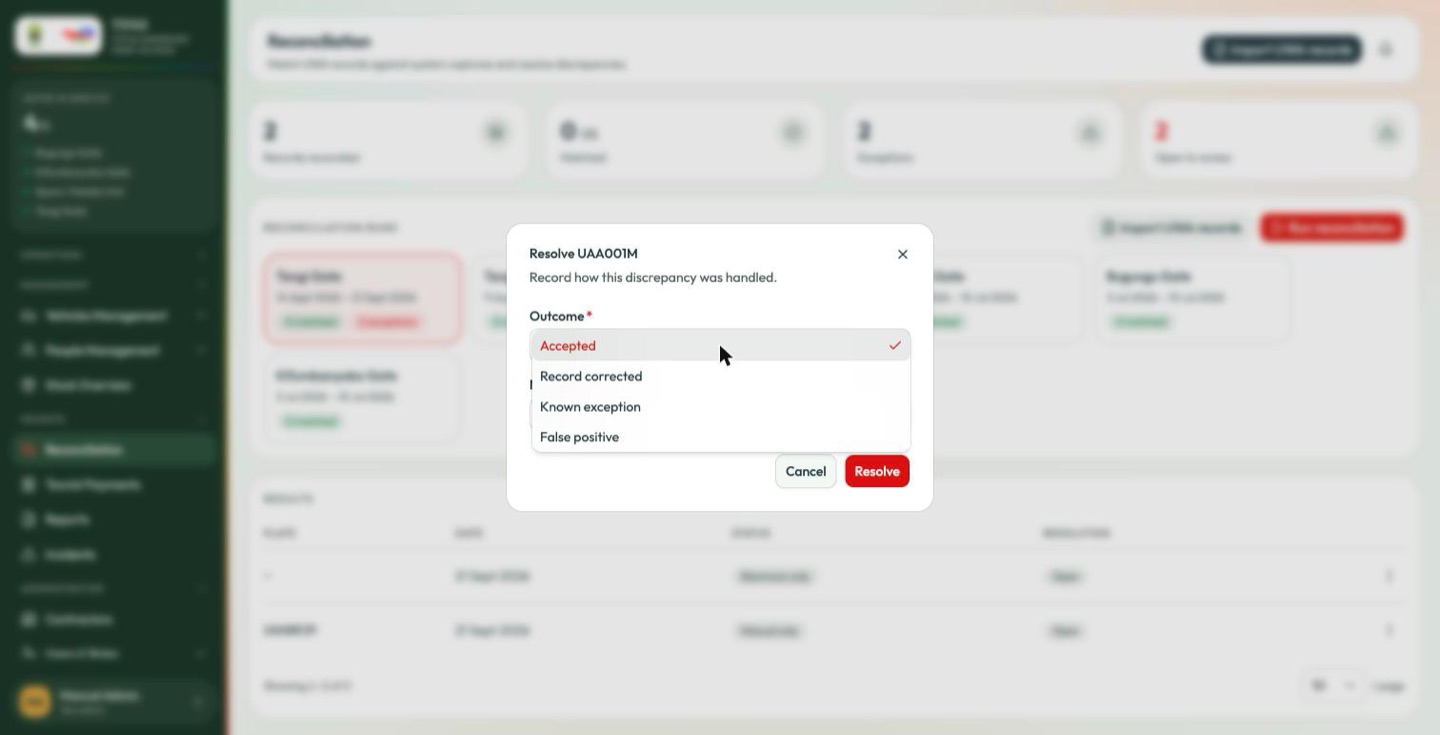
| Outcome | Use it when |
|---|---|
| Accepted | The discrepancy is real and legitimate — a manual entry that genuinely happened. It stands, and it counts. |
| Record corrected | The data was wrong and you have fixed it — a mistyped plate, a wrong date. |
| Known exception | An expected mismatch that recurs for a documented reason. |
| False positive | Not a discrepancy at all — the matcher was wrong, usually a formatting difference in the plate. |
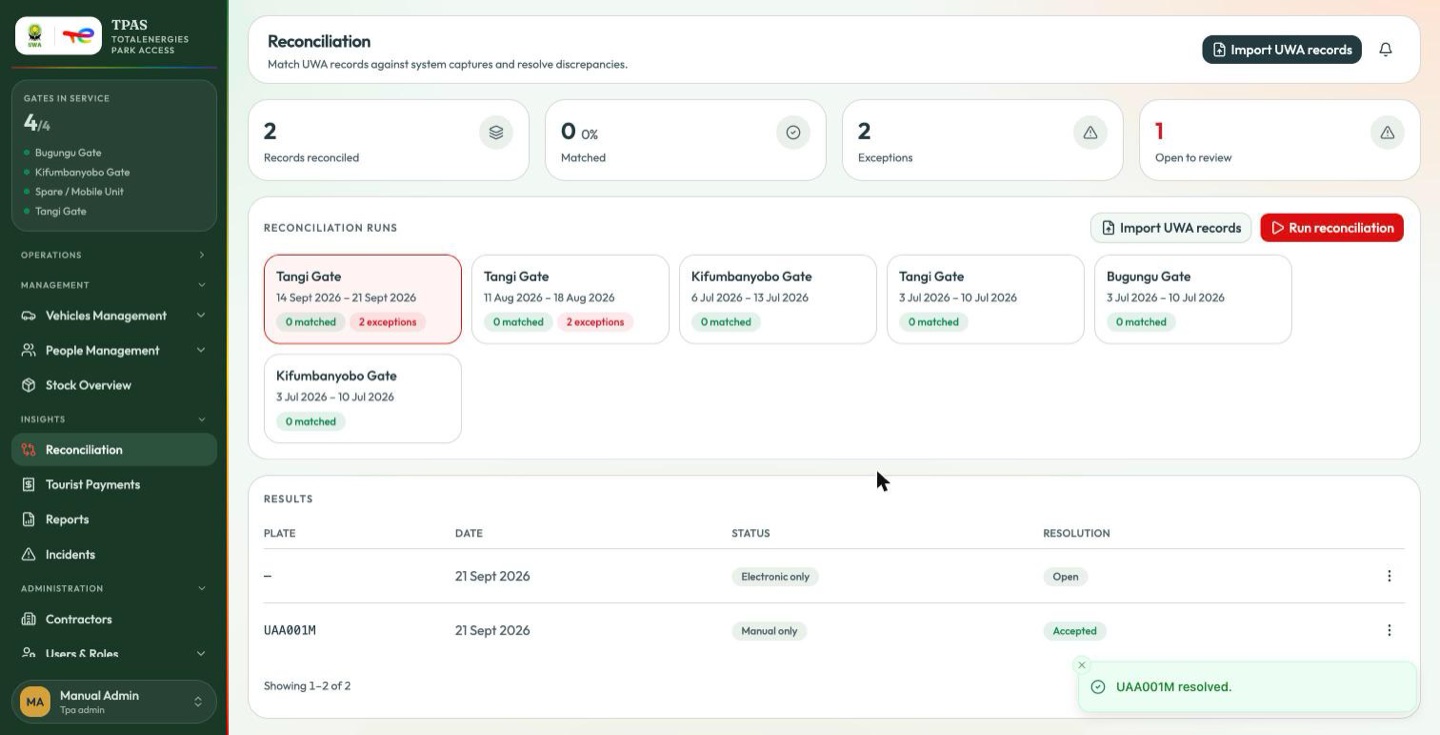
Add a note explaining the decision, then Resolve. Open to review drops by one.
If a resolve fails
A resolve that comes back with a technical error message is a fault between the portal and the server, not something wrong with what you typed. Retrying will not help; report it rather than editing your note and trying again.
Doing it well
- Resolve while you remember. A three-week-old exception is archaeology.
- Write the note. "Accepted" alone tells an auditor nothing. "Accepted — manual entry after RFID reader failure at Tangi, INC-CARD-0007" tells them everything.
- Watch for patterns. Many Manual only exceptions at one gate is a hardware problem, not a paperwork problem.
- Never resolve to clear the queue. These records become the bill.