Contractors
organisation:read to see the list, organisation:create
to add one. Administration → Contractors.
A contractor is any organisation whose people or vehicles enter the park: operators, suppliers, law firms, the wildlife authority itself. Everything else in TPAS hangs off one — access requests are submitted by a contractor, portal users belong to a contractor, vehicles are owned by one, and device stock is accounted for against one.
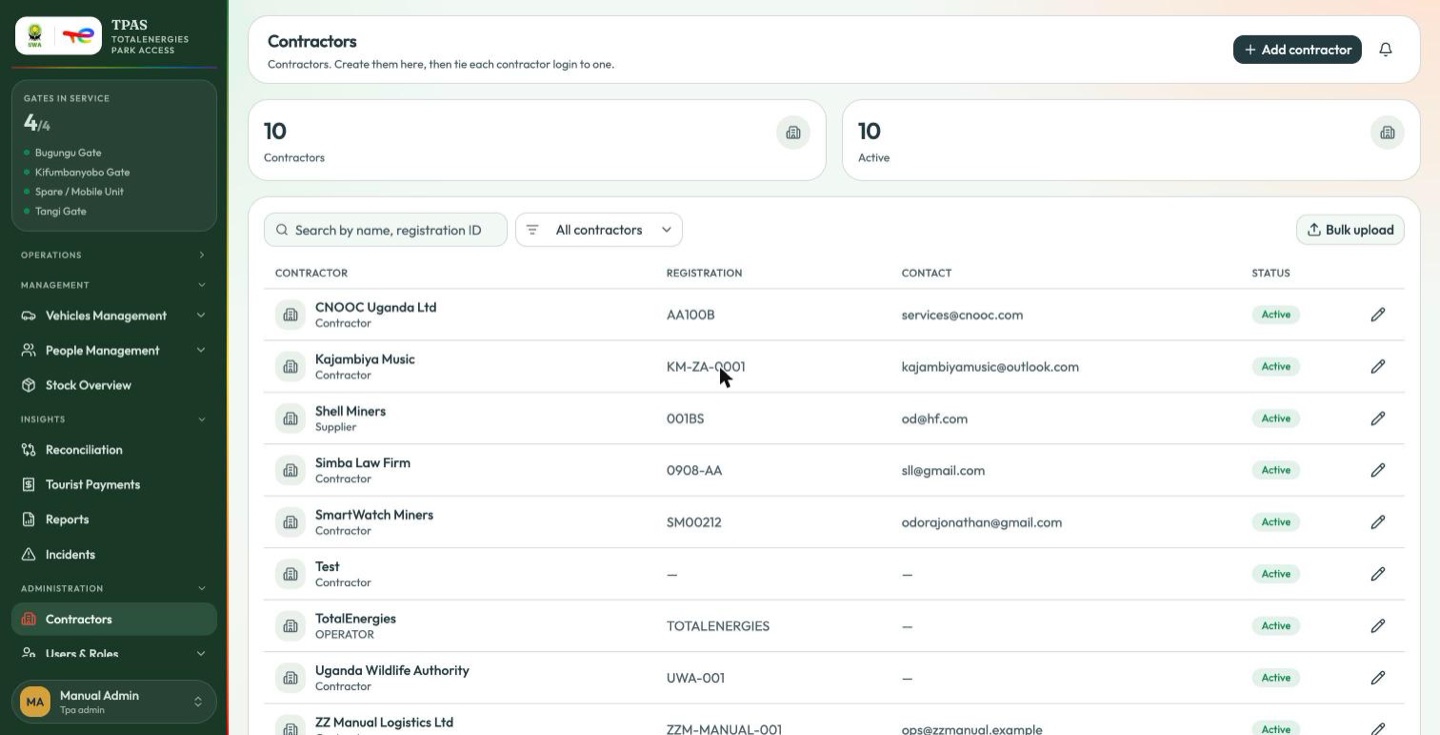
The page opens on two counts — total and active — then the list. Each row carries the organisation's name with its type beneath, the registration ID, the contact email, a status pill and a pencil to edit.
| Control | What it does |
|---|---|
| Search by name, registration ID | Free text across both |
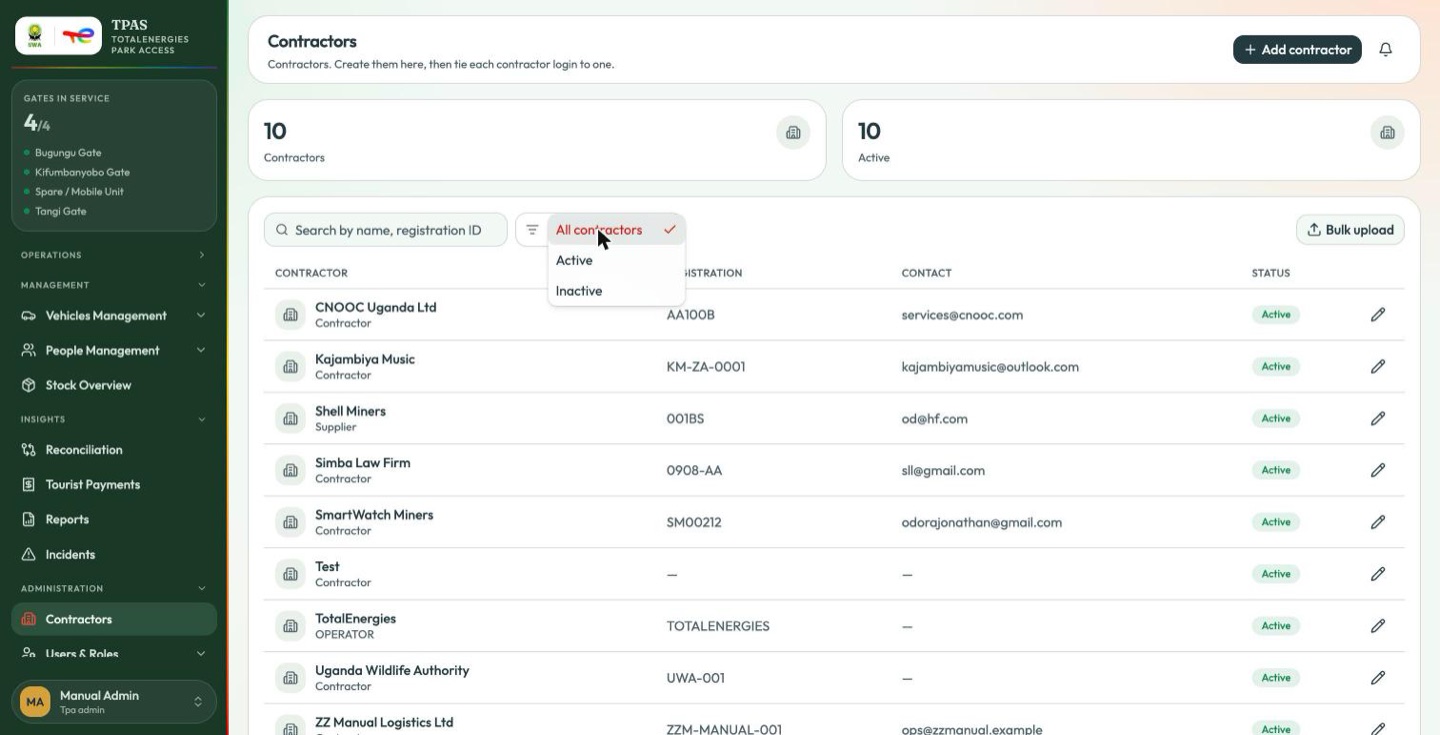
| All contractors | Status filter — all, active or inactive |
| Bulk upload | A spreadsheet of contractors instead of one form at a time |
Adding a contractor
-
Select Add contractor in the top bar.
-
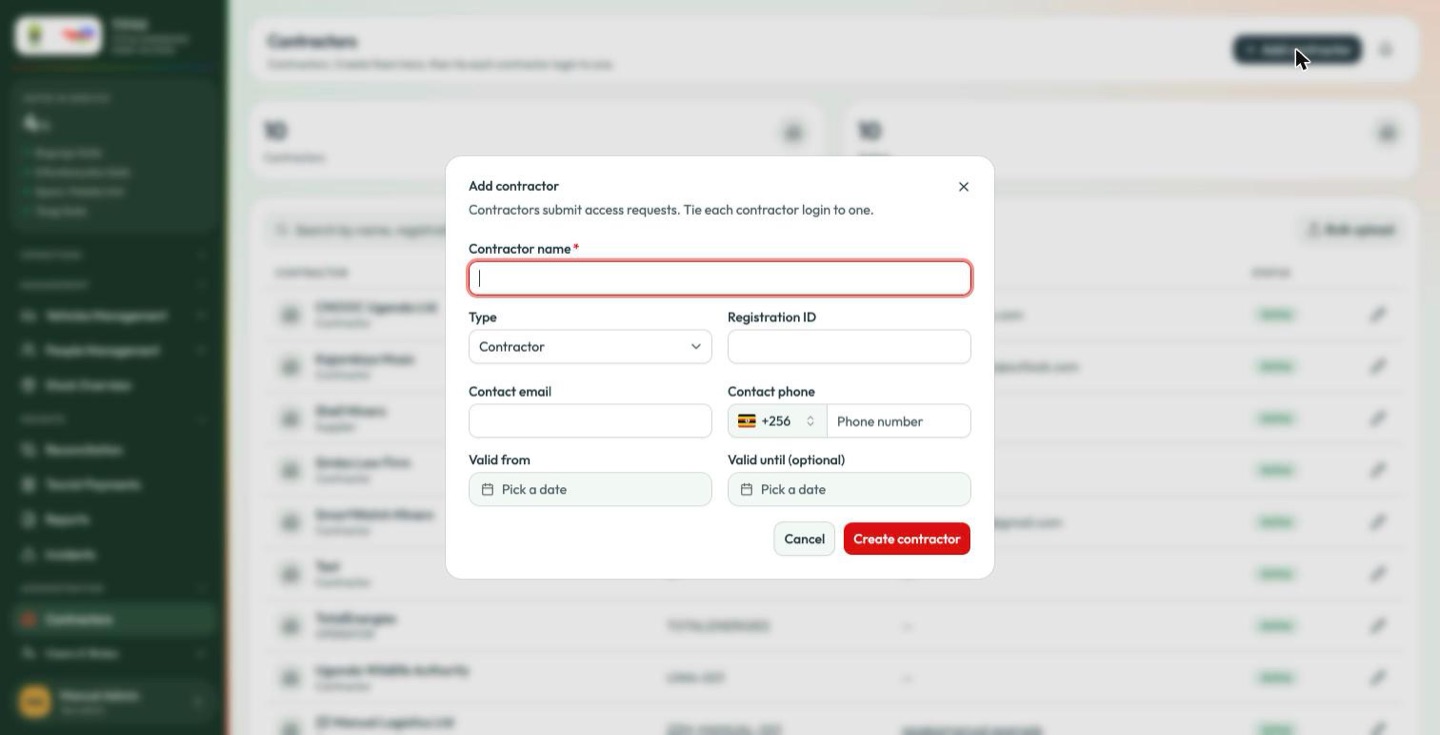
Fill the form. Only Contractor name is required; everything else is worth completing because it is what the gate and the finance team use to identify the company later.
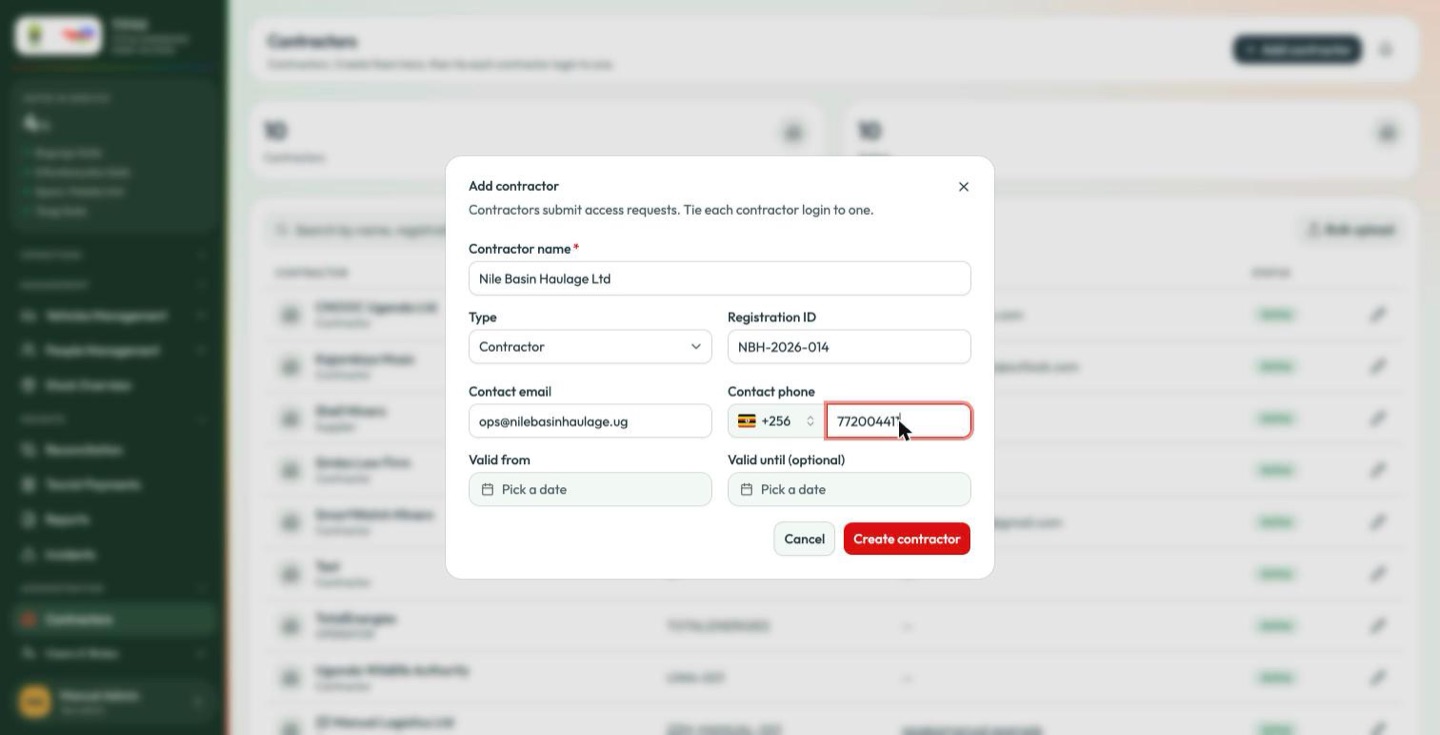
Field Notes Contractor name * The name that appears everywhere else in TPAS. Type Contractor, Supplier, Service provider or Other. Descriptive only — nothing in TPAS behaves differently because of it. Registration ID The company registration number. Searchable. Contact email Where the portal's correspondence about this company goes. Contact phone Country code is a separate selector, defaulting to +256. Enter the national number beside it, without the leading zero. Valid from / Valid until The window the contract runs for. Valid until is optional — leave it empty for an open-ended arrangement. Submitting with the name blank marks the field and stops there.
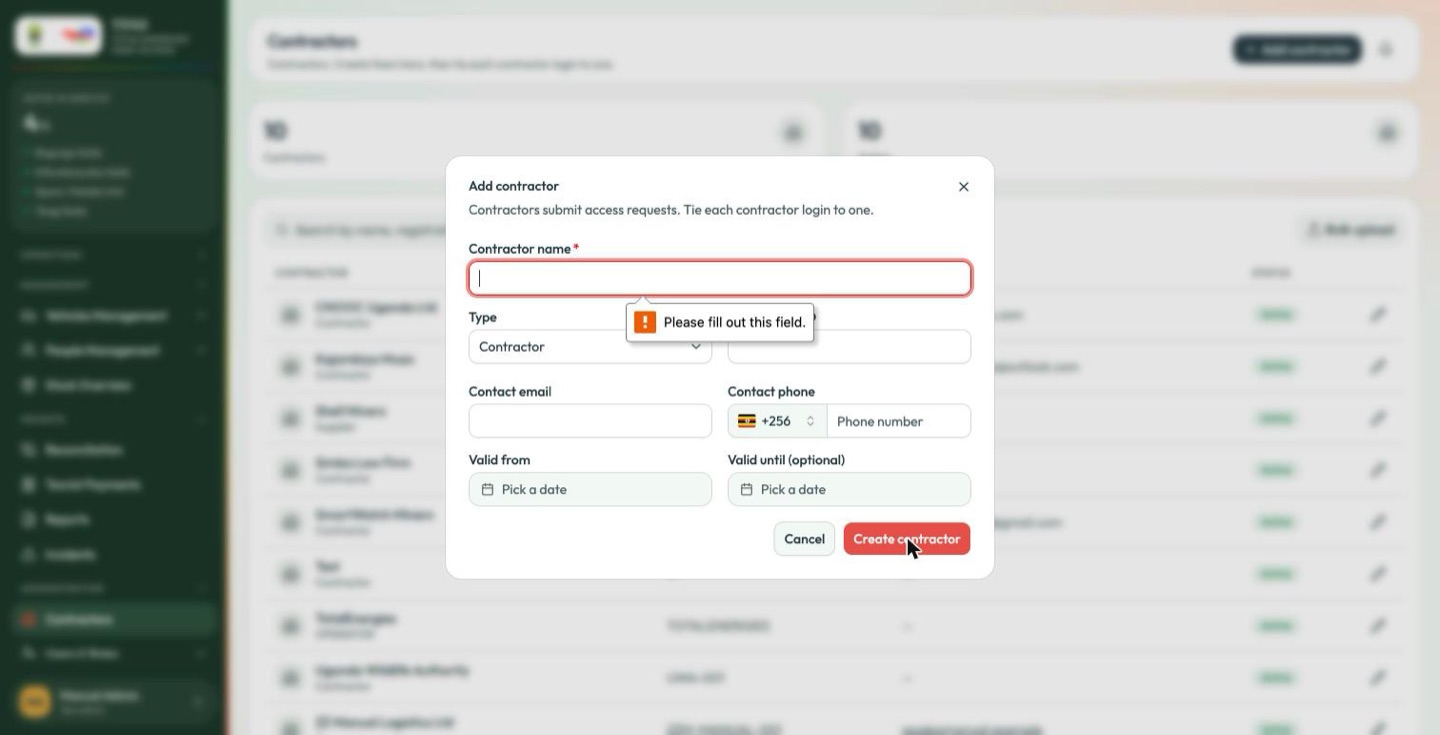
-
Dates are chosen from a calendar rather than typed.
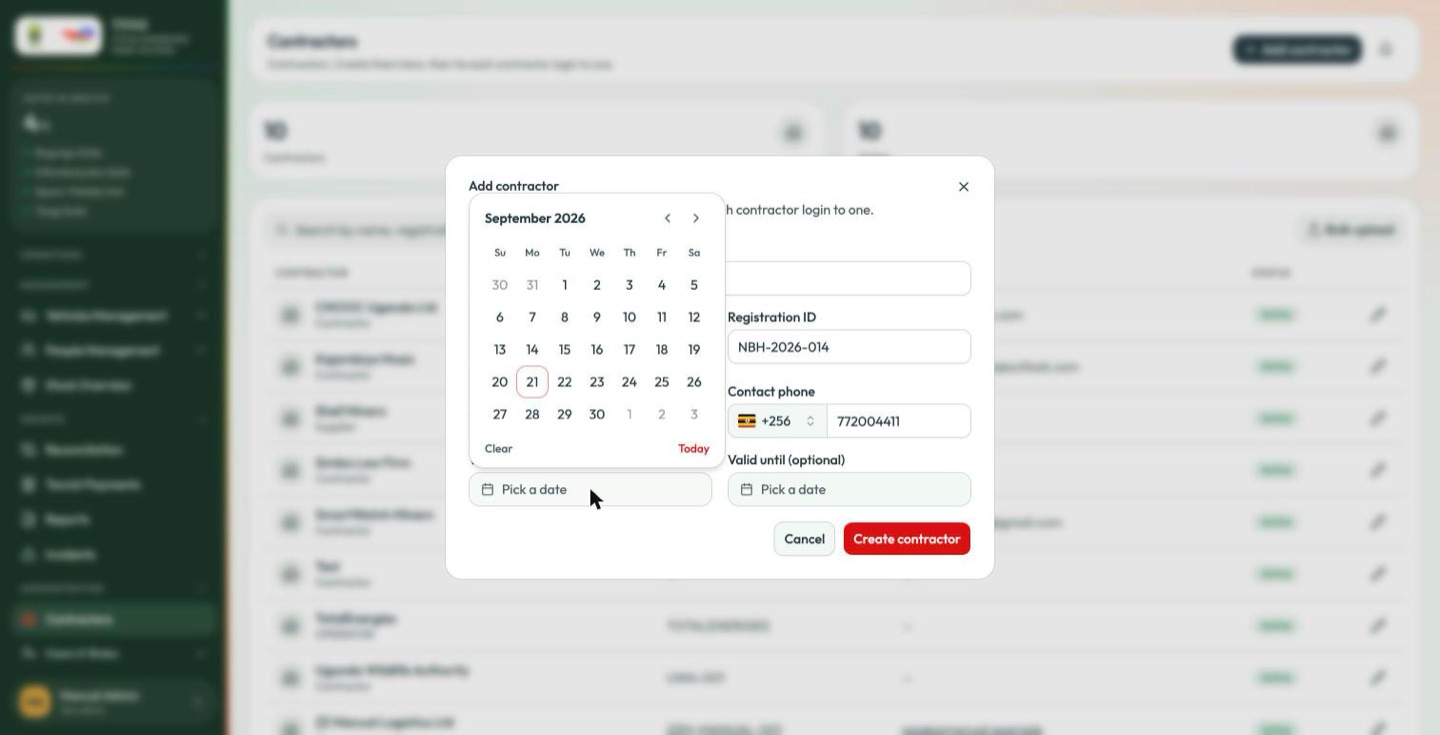
-
Select Create contractor.
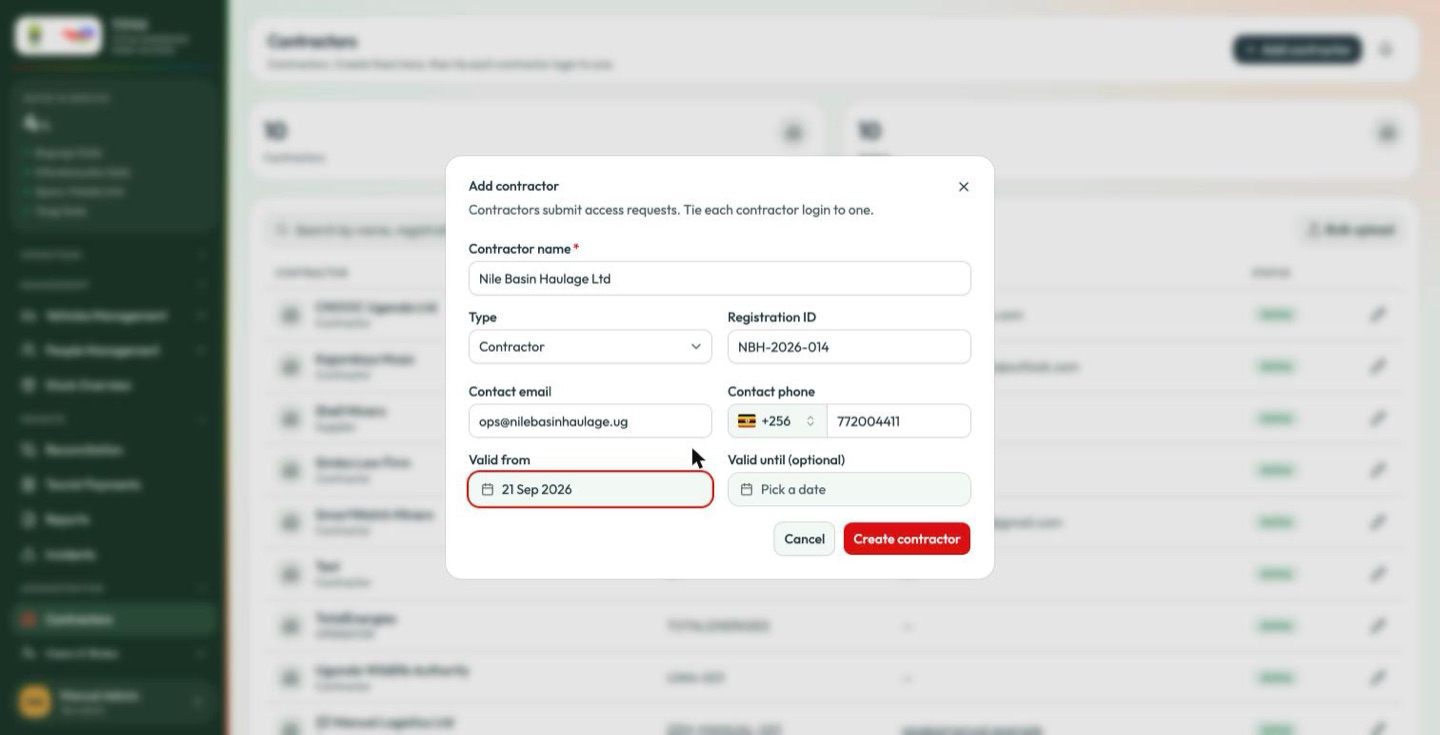
The new organisation appears in the list immediately and is available in every contractor selector elsewhere in the portal.
Organisations created
before this form existed can carry older values (TotalEnergies' own row reads
OPERATOR), which appear as written rather than as one of the four labels
above. Edit the row to bring it onto the current list.