Settings
setting:update. Administration → Settings.
Every role can read the thresholds — they are printed under the tiles that
measure against them — but the menu entry follows setting:update, so
Settings appears only for an administrator.
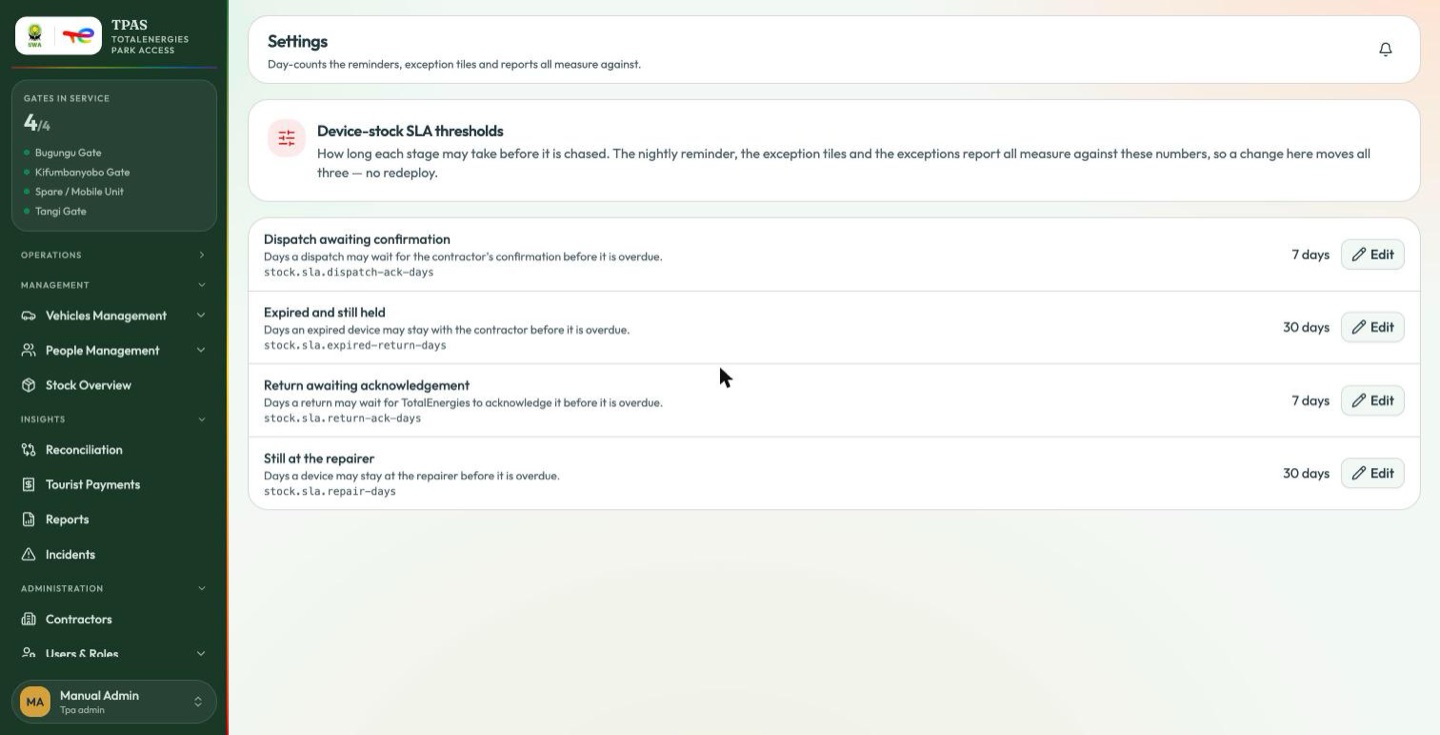
chased. The nightly reminder, the exception tiles and the exceptions report all measure against these numbers, so a change here moves all three — no redeploy.
| Setting | Key | Default | What it governs |
|---|---|---|---|
| Dispatch awaiting confirmation | stock.sla.dispatch-ack-days | 7 days | Days a dispatch may wait for the contractor's confirmation before it is overdue. |
| Expired and still held | stock.sla.expired-return-days | 30 days | Days an expired device may stay with the contractor before it is overdue. |
| Return awaiting acknowledgement | stock.sla.return-ack-days | 7 days | Days a return may wait for TotalEnergies to acknowledge it before it is overdue. |
| Still at the repairer | stock.sla.repair-days | 30 days | Days a device may stay at the repairer before it is overdue. |
Edit changes one in place, and it applies at once.
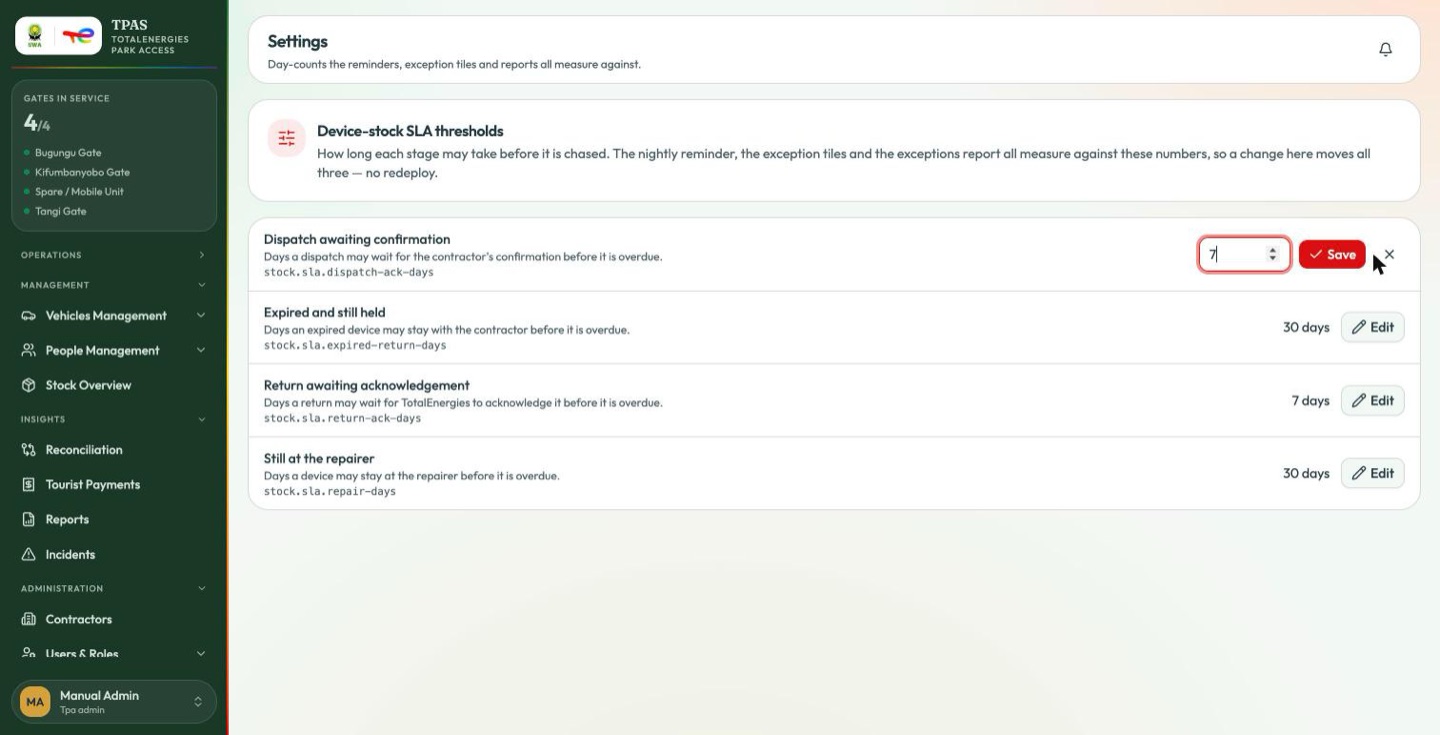
The same number drives three things: the exception tiles on the dashboard and Stock Overview, the nightly reminder emails, and the Stock exceptions report. Lowering a threshold makes all three report more, immediately. That is the intended behaviour, not a fault.
Important — a threshold is a chase, not a rule. Nothing is blocked or revoked when one is exceeded. It changes who gets emailed and what appears on the exceptions list (The thresholds).