The top bar and notifications
The top bar and the bell
The bar across the top of the content area carries the page title, a one-line description of the page, and — on pages where there is one — the page's primary action button on the right (for example Register vehicle or Dispatch devices). On the dashboard the title is a greeting rather than a page name.
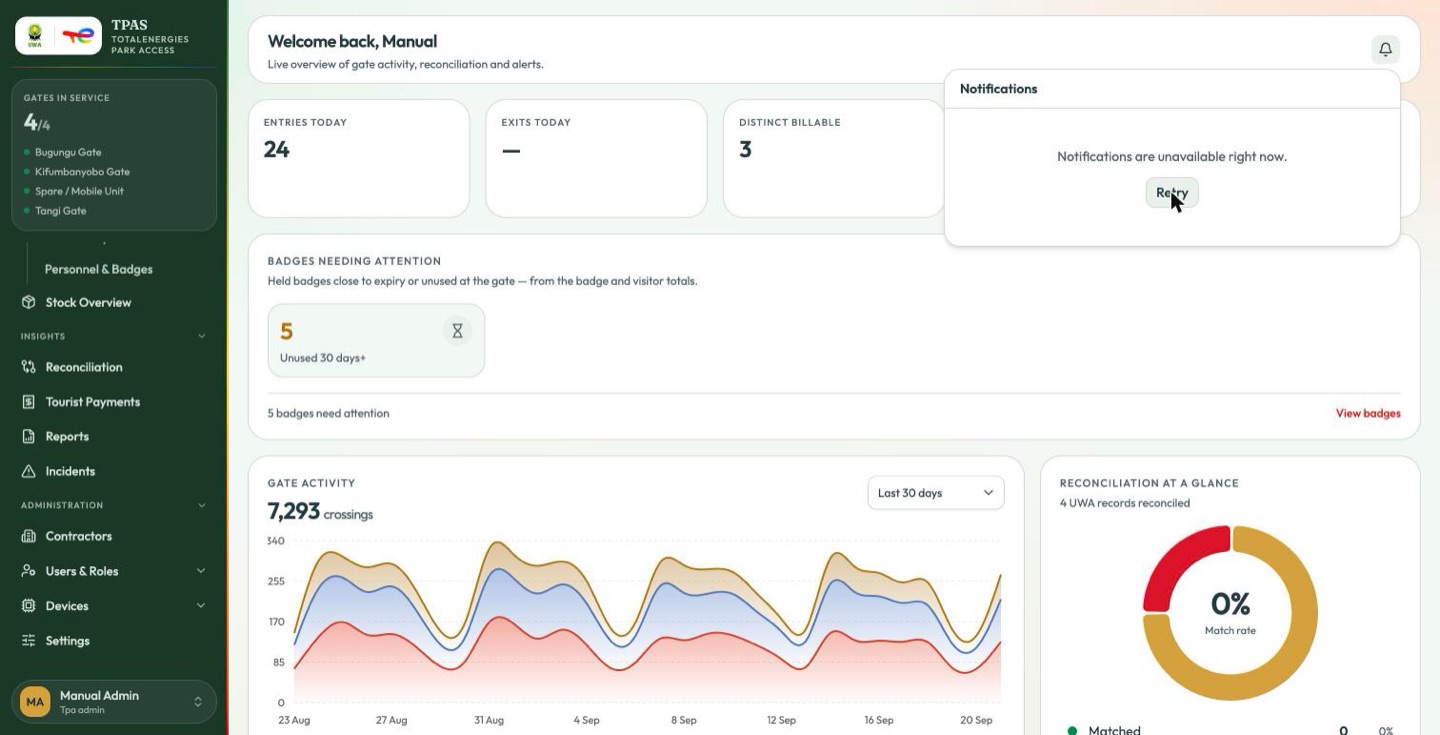
The bell on the far right opens your recent notifications.
| State | What it means |
|---|---|
| A number on the bell | That many unread notifications |
| You're all caught up. | The service answered and there is nothing waiting |
| Notifications are unavailable right now. + Retry | The service could not be reached. This is not an empty inbox |
An unreachable notification service shows the message above and a Retry button, never a zero. If you see the unavailable state, notifications are not being delivered to anybody and the counts you would have seen are still waiting; tell whoever runs the platform.
The capture above was taken while the notification service was down, which is what that panel looks like.
At the foot of the panel, View all notifications opens the full history — Notification history.
Confirmation messages ("Vehicle registered", "User created") are separate from notifications: they appear at the bottom right, clear of the top bar, disappear after a few seconds, and carry a close button.
Notification history
The bell shows the most recent notices. View all notifications — or the
address /notifications — opens the whole history.
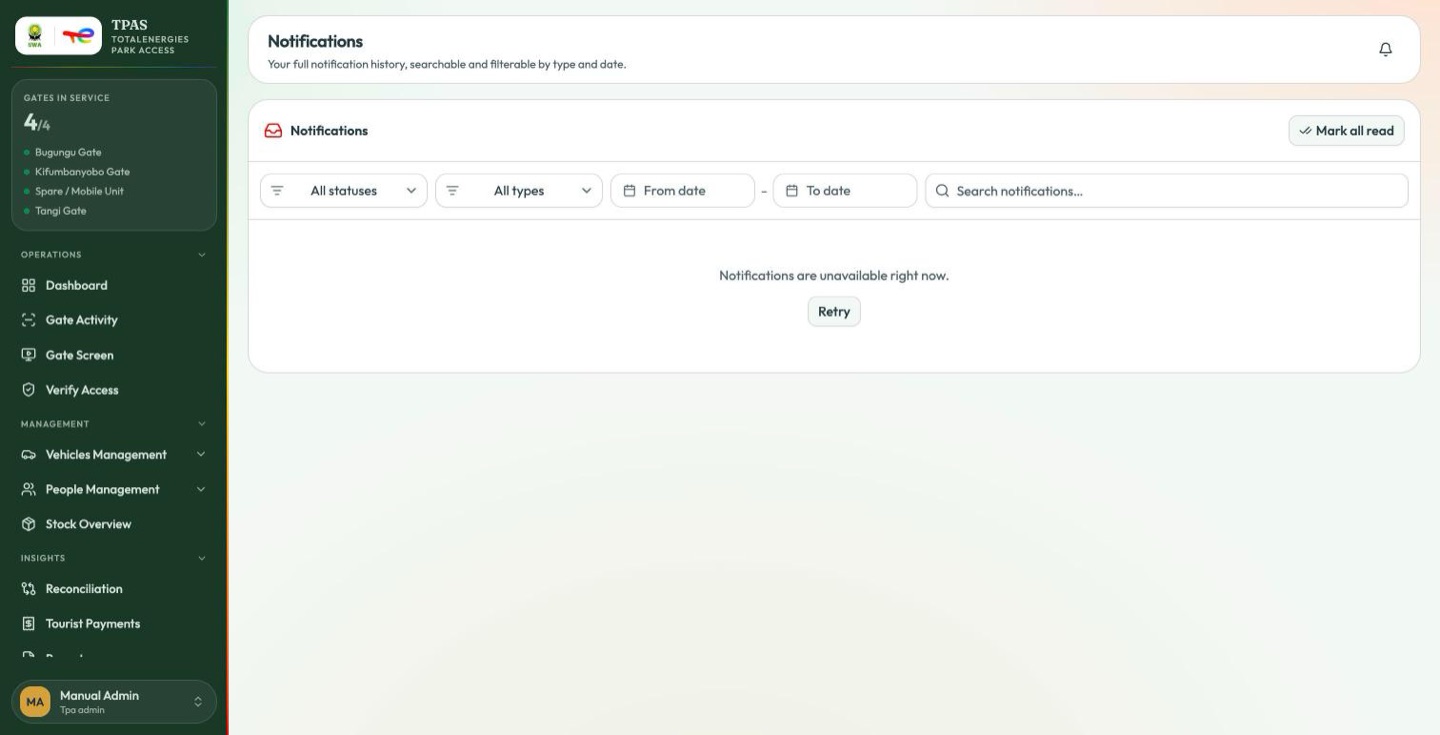
It is a page in the ordinary shell, with no sidebar entry of its own: reach it from the bell, or from a link in a notification you were sent.
| Control | What it does |
|---|---|
| Status | All statuses · Unread · Read · Archived |
| Type | All types · Badges · Vehicles & OBUs · Stock movements · Repairs · People · Contractors |
| From date – To date | Narrows to a period |
| Search notifications… | Free text across the list |
| Mark all read | Clears the unread count in one action |
A notification links through to whatever it is about — a badge, a dispatch note, a repair — so the history doubles as a way back to work you were told about and have not done yet.
The filters and Mark all read are present even when the service is unreachable, as in the capture above. The page is reporting that it could not load the list, not that the list is empty; Retry asks again.