Your account menu
The button at the very bottom of the sidebar carries your name. Selecting it opens the account menu.
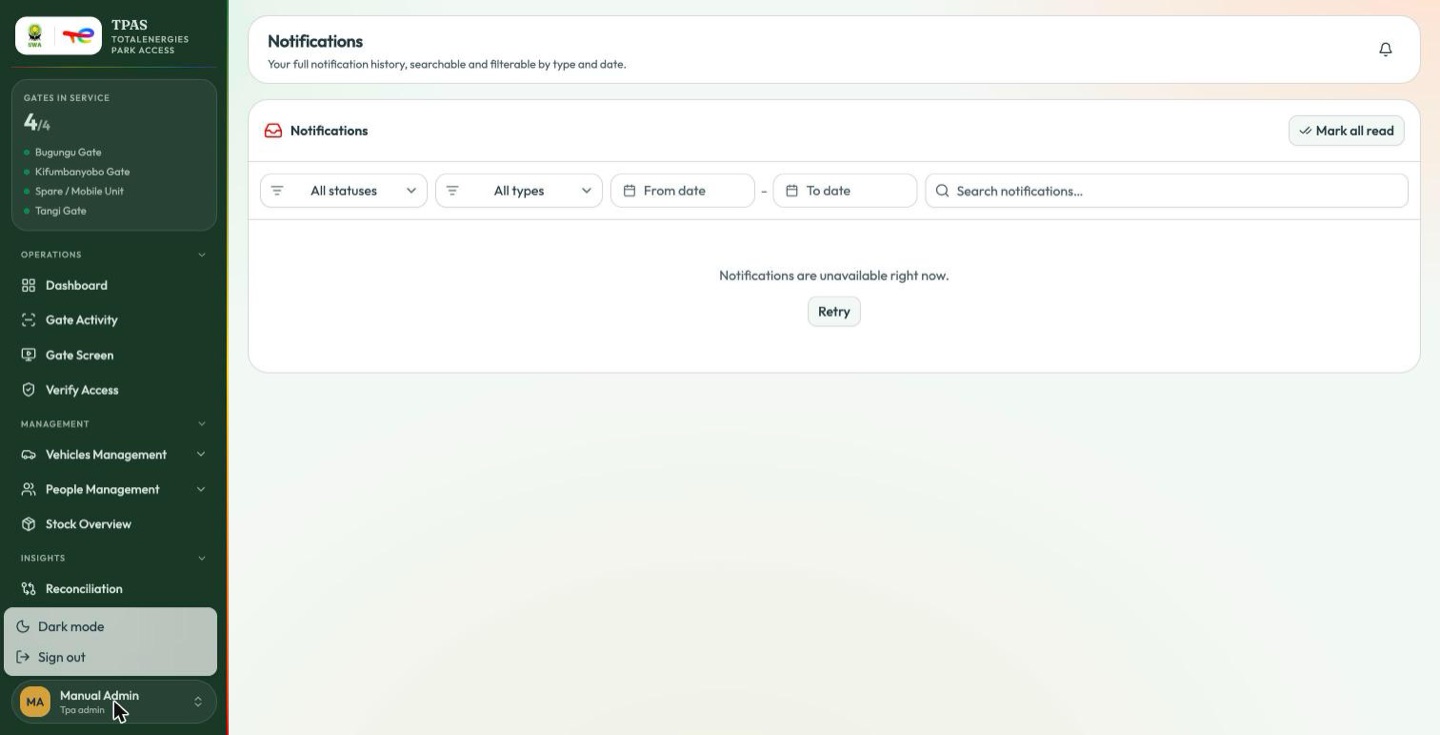
| Item | Effect |
|---|---|
| Dark mode | Switches the portal between light and dark. Your choice is remembered on this browser. The d key does the same thing from anywhere. |
| Sign out | Ends the session and returns you to the sign-in page. |
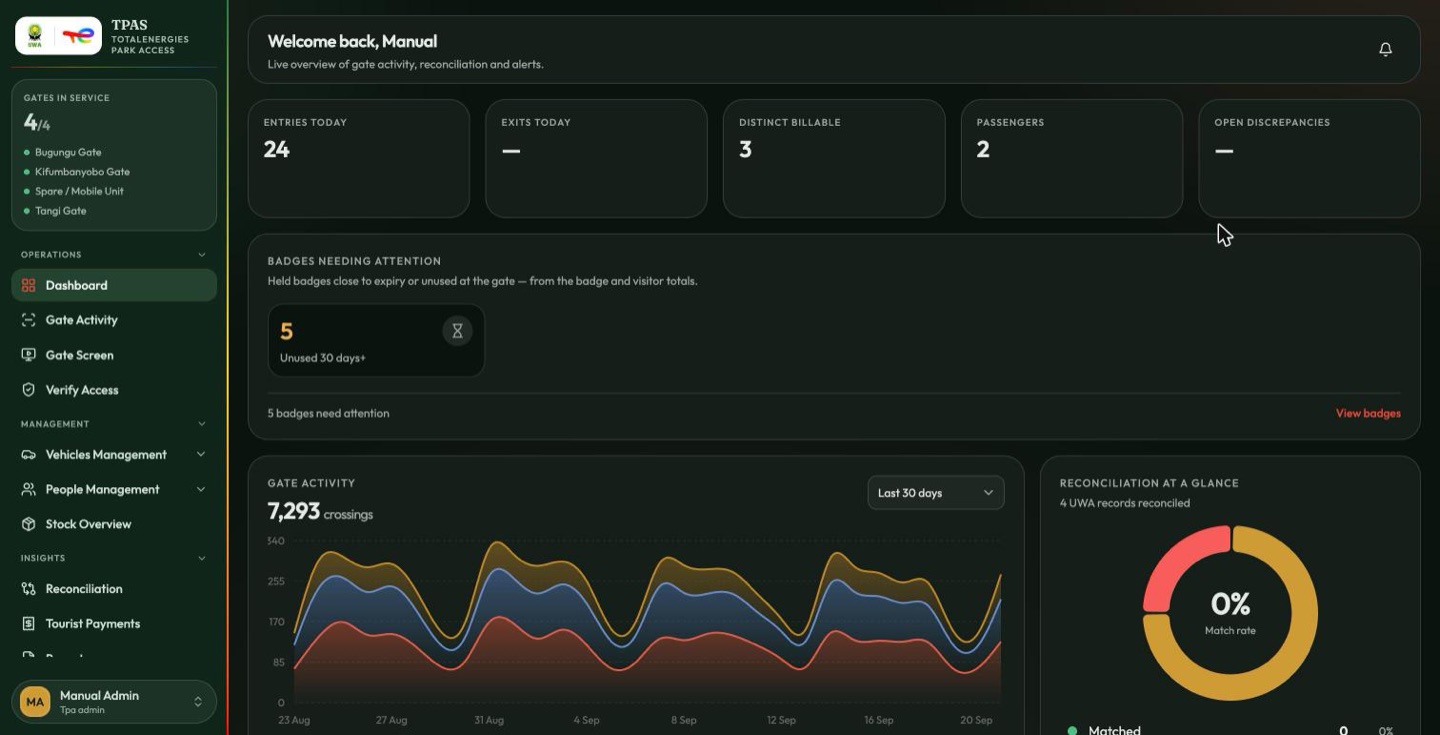
The line beneath your name is your TPAS role. If it is not the role you expect, an administrator can check it under Administration → Users & Roles → Users.
note
An account holding more than one role shows only one name here, and not necessarily the most important one. The chip is a label, not a summary of what you can do (What the sidebar does and does not tell you).