Signing in
Open the portal address in a browser. You are met by the TPAS sign-in page.
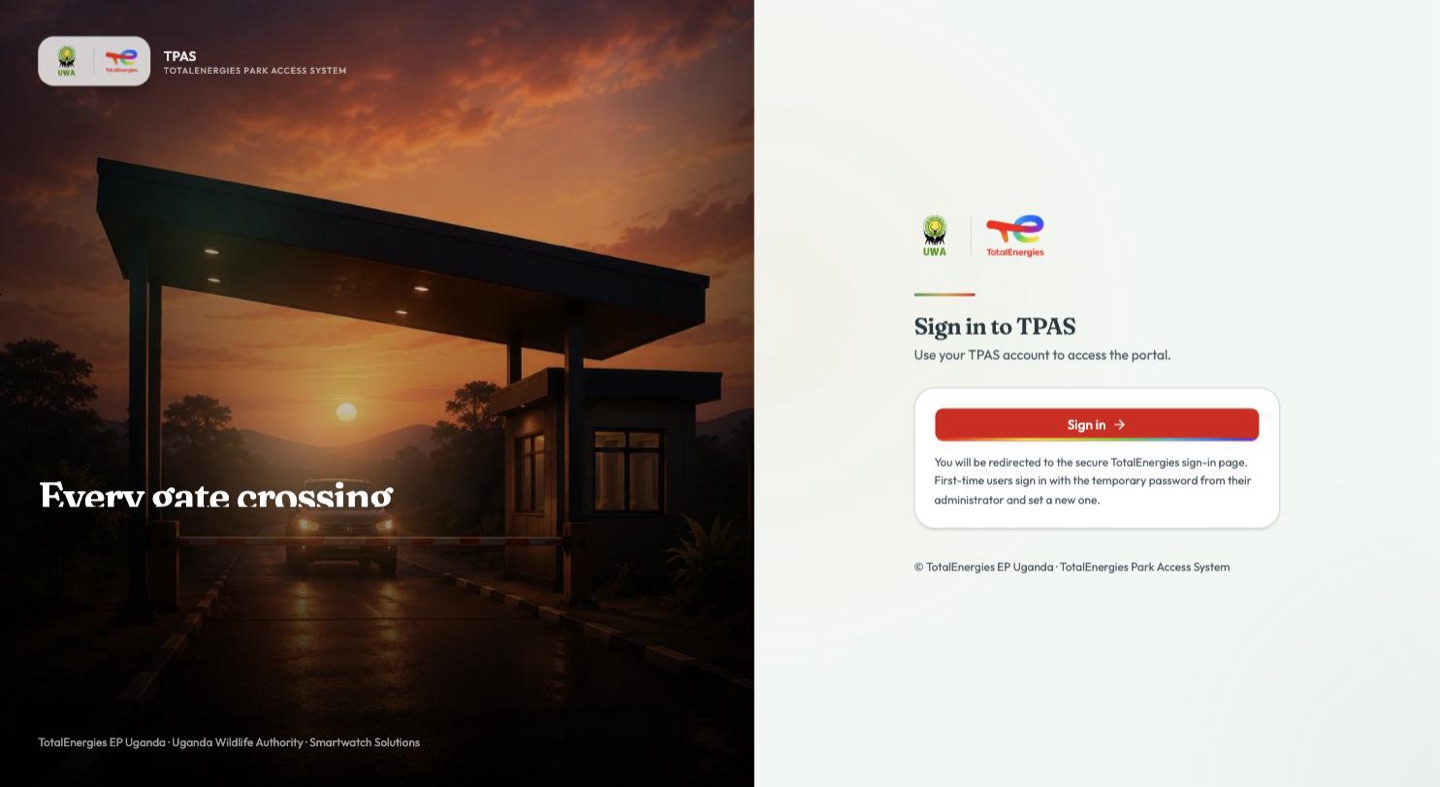
The page itself asks for nothing. Select Sign in and the portal hands you over to the secure TotalEnergies sign-in page, where you enter your email address and password.
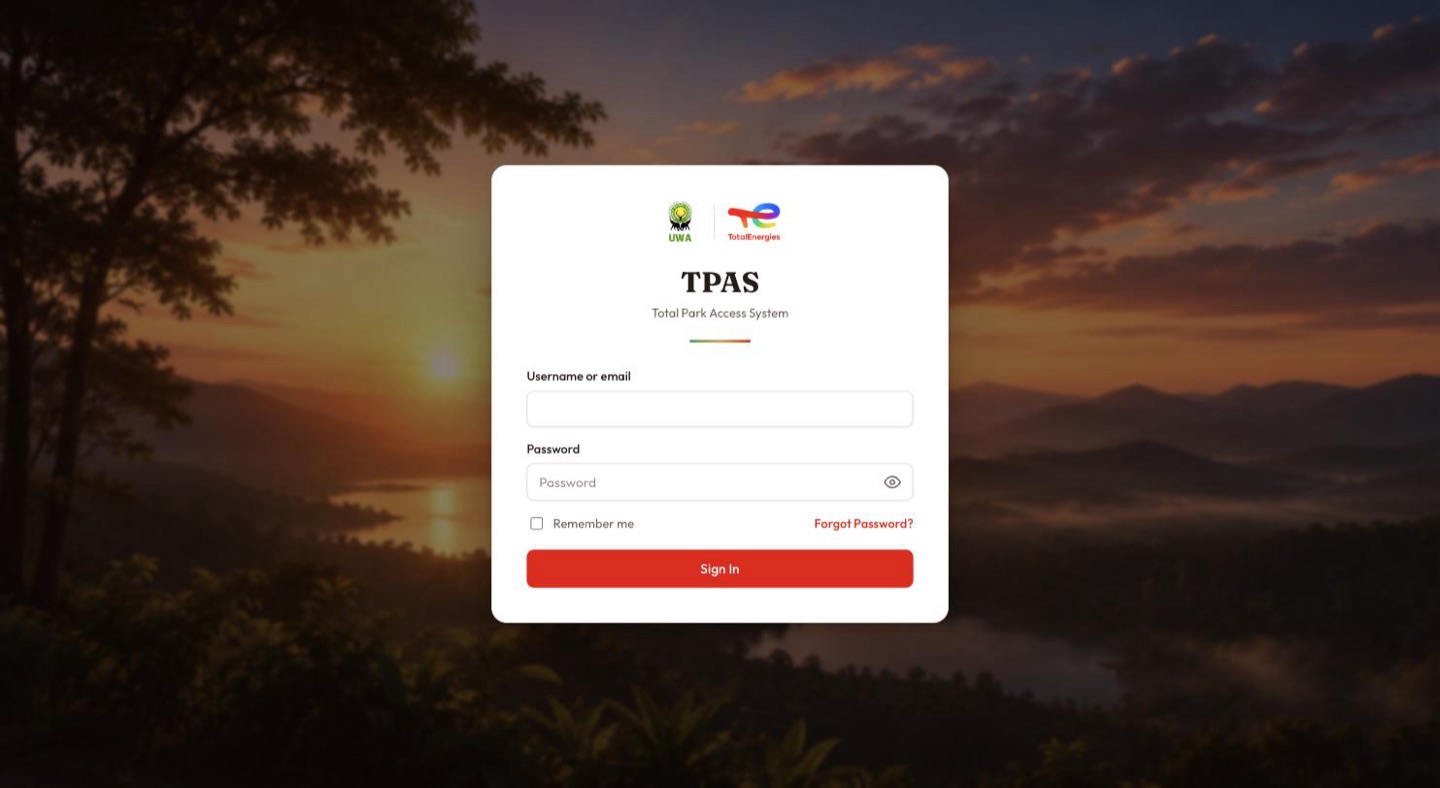
A new account is created with a one-time temporary password, handed to you by your administrator. There is no invitation email. The first time you sign in you are required to replace that temporary password with one of your own before you reach the portal.
Once accepted you are returned to the portal, already signed in.
If you have forgotten your password, use Forgot password? on the TotalEnergies sign-in page. That is the only route: TPAS administrators cannot reset a password for you, and nobody in TPAS can see or recover your existing one (Passwords).
TPAS keeps your session in the tab you signed in on and renews it quietly in the background. Open a second tab and you sign in again; navigate that tab to a public page and back, and the session there is gone. This is deliberate — closing the tab ends the session — but it does mean "it asked me to sign in again" usually means "this is a different tab".