When a page will not open
"No access to this page"
If you follow a link or type an address your account cannot open, TPAS does not fail silently and does not pretend the page is empty. It says so.
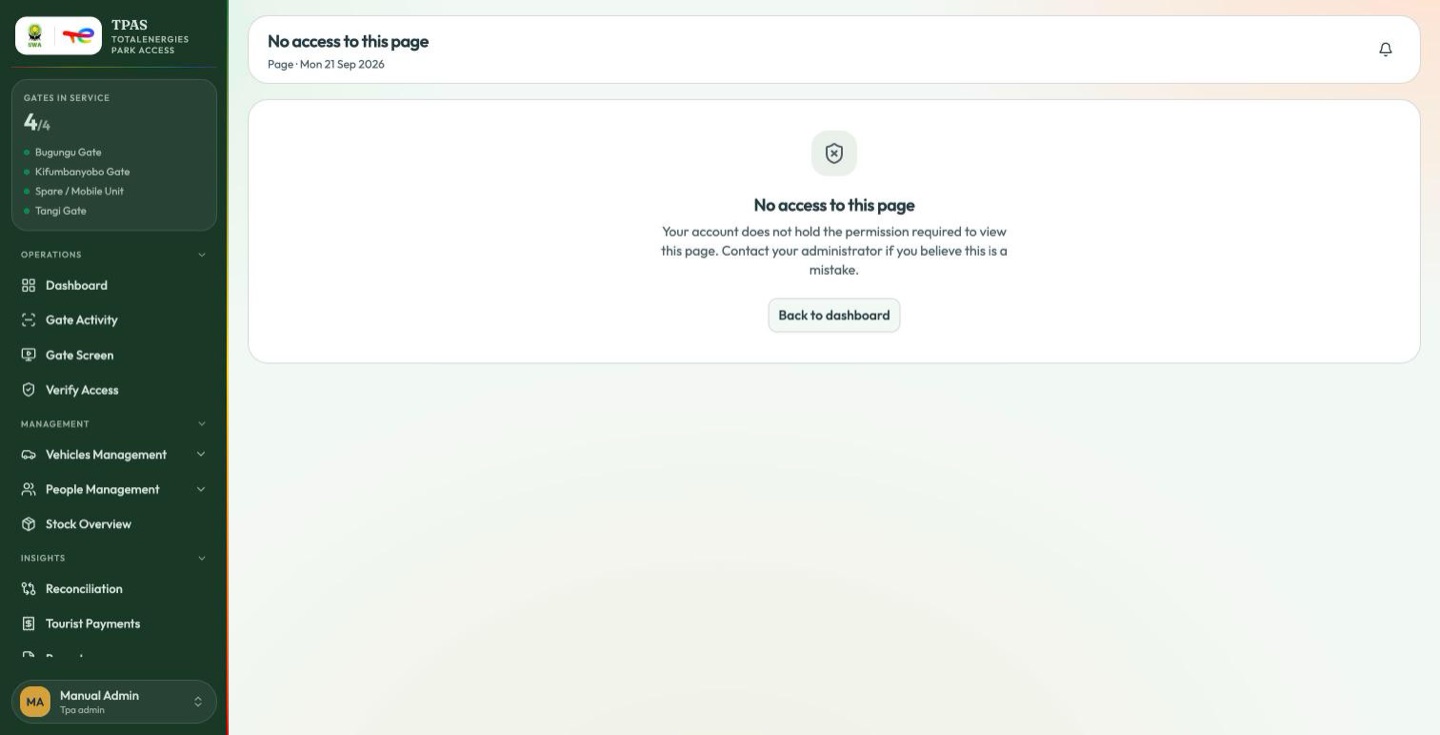
Your account does not hold the permission required to view this page.
Back to dashboard returns you to safe ground. If you believe you should have access, ask an administrator to check your role — they can see exactly which permissions it carries under Administration → Users & Roles → Roles.
This screen is also the honest answer to "why can't I see the menu item?" — the sidebar hides what you cannot open, so a missing entry and this page are the same fact seen from two directions.
A refused page tells you nothing about the page itself — not even its title — and while your permissions are still being read the header stays neutral rather than guessing.
"Page not found"
A mistyped address or a stale bookmark gets its own answer:
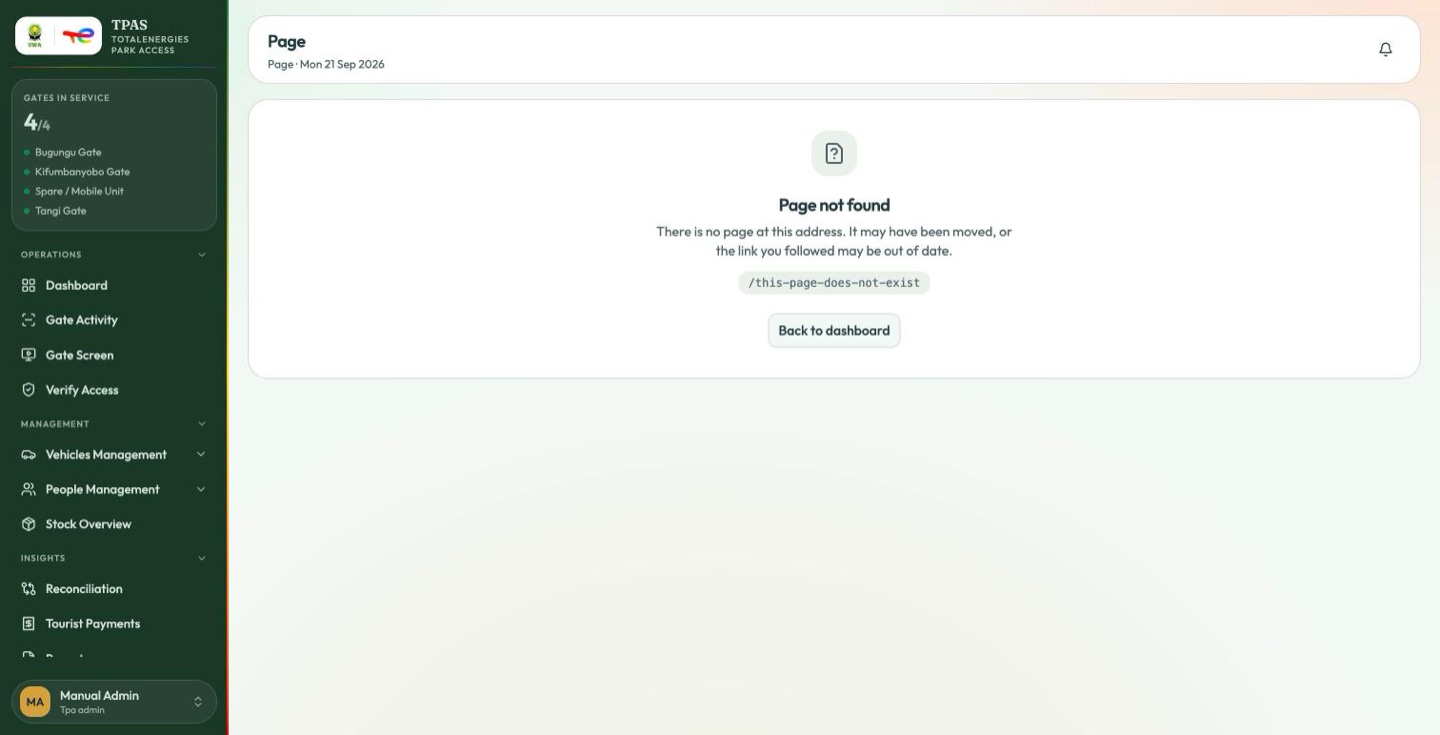
or the link you followed may be out of date.
The address you asked for is shown beneath, and Back to dashboard returns you to safe ground.
The two refusals read as siblings on purpose: No access to this page means the page exists and you may not have it; Page not found means there is no such page for anybody.