The catalogue
report:read to open the catalogue and read a report,
report:export to download one. Two reports need a permission of their own:
the device-stock group needs device-stock:read, and anything scoped by
company needs organisation:read.
Insights → Reports.
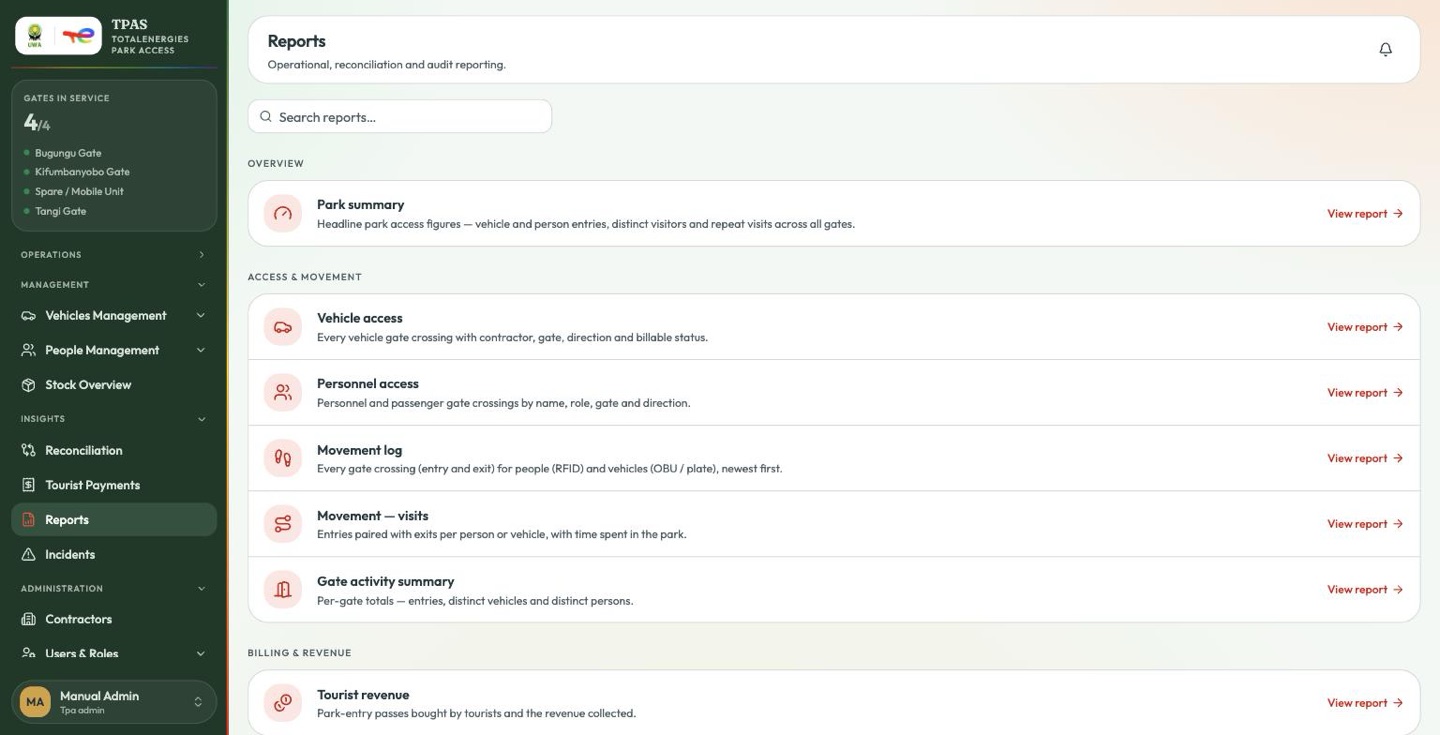
Reports are grouped by what they are for. Search by name across all of them.
Overview
| Report | What it answers |
|---|---|
| Park summary | Headline park access figures — vehicle and person entries, distinct visitors and repeat visits across all gates. |
The figure is counted from the gate registry, which holds four rows: the three barriers plus the Spare / Mobile Unit posting (see Gates in service). The row is labelled for what it counts; use the Entries by gate breakdown for where traffic actually went.
Access & movement
| Report | What it answers |
|---|---|
| Vehicle access | Every vehicle gate crossing with contractor, gate, direction and billable status. |
| Personnel access | Personnel and passenger gate crossings by name, role, gate and direction. |
| Movement log | Every gate crossing (entry and exit) for people (RFID) and vehicles (OBU / plate), newest first. |
| Movement — visits | Entries paired with exits per person or vehicle, with time spent in the park. |
| Gate activity summary | Per-gate totals — entries, distinct vehicles and distinct persons. |
Billing & revenue
| Report | What it answers |
|---|---|
| Tourist revenue | Park-entry passes bought by tourists and the revenue collected. |
Distinct billable vehicles and Revenue summary have both been withdrawn. The billing question is answered by the Billable column and filter on the access reports — see Billing and the Billable column.
Device stock
| Report | What it answers |
|---|---|
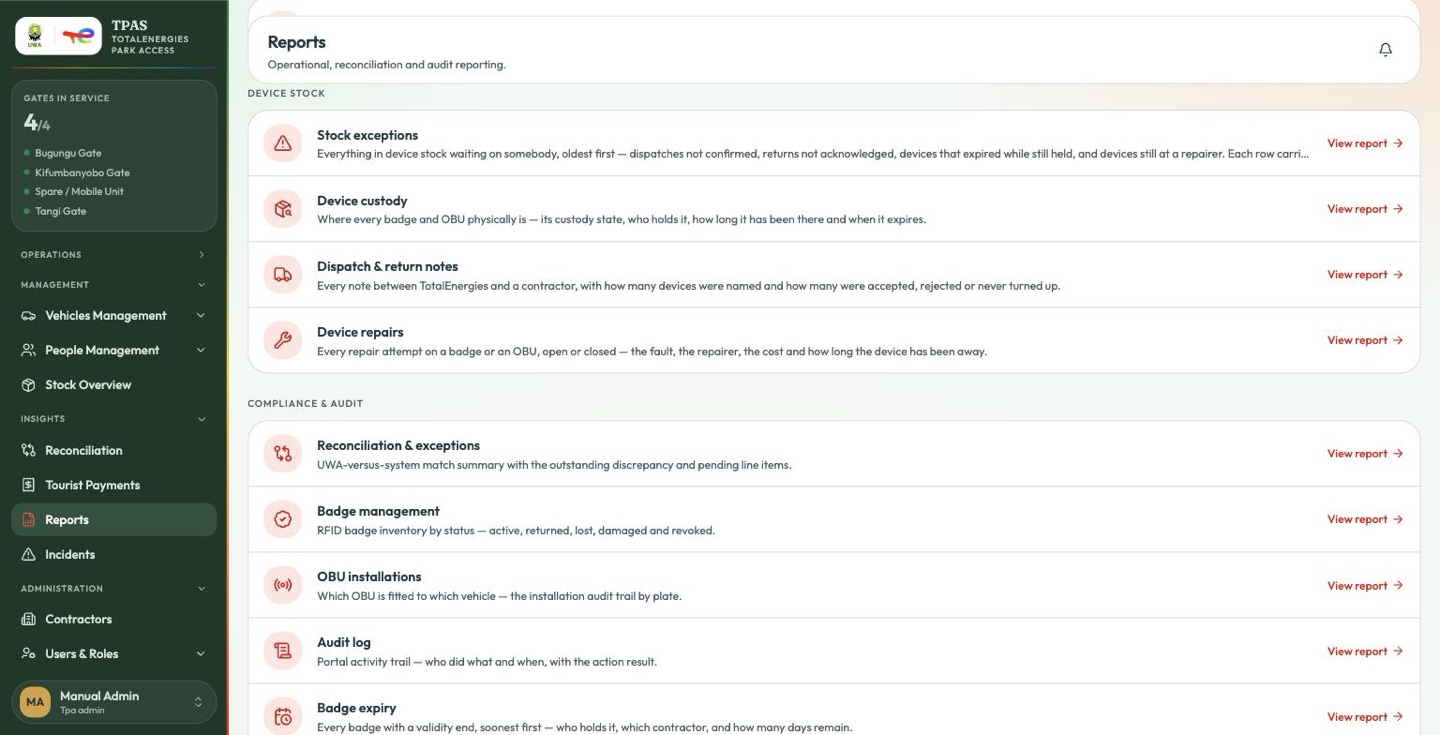
| Stock exceptions | Everything in device stock waiting on somebody, oldest first — dispatches not confirmed, returns not acknowledged, devices that expired while still held, and devices still at a repairer. Each row carries its own threshold. |
| Device custody | Where every badge and OBU physically is — its custody state, who holds it, how long it has been there and when it expires. |
| Dispatch & return notes | Every note between TotalEnergies and a contractor, with how many devices were named and how many were accepted, rejected or never turned up. |
| Device repairs | Every repair attempt on a badge or an OBU, open or closed — the fault, the repairer, the cost and how long the device has been away. |
These four come from the device stock module and need
device-stock:read. Device custody is the one to reach for when somebody asks
where a particular card is; Stock exceptions is the one to work from,
because every row on it is something waiting on a person.
Compliance & audit
| Report | What it answers |
|---|---|
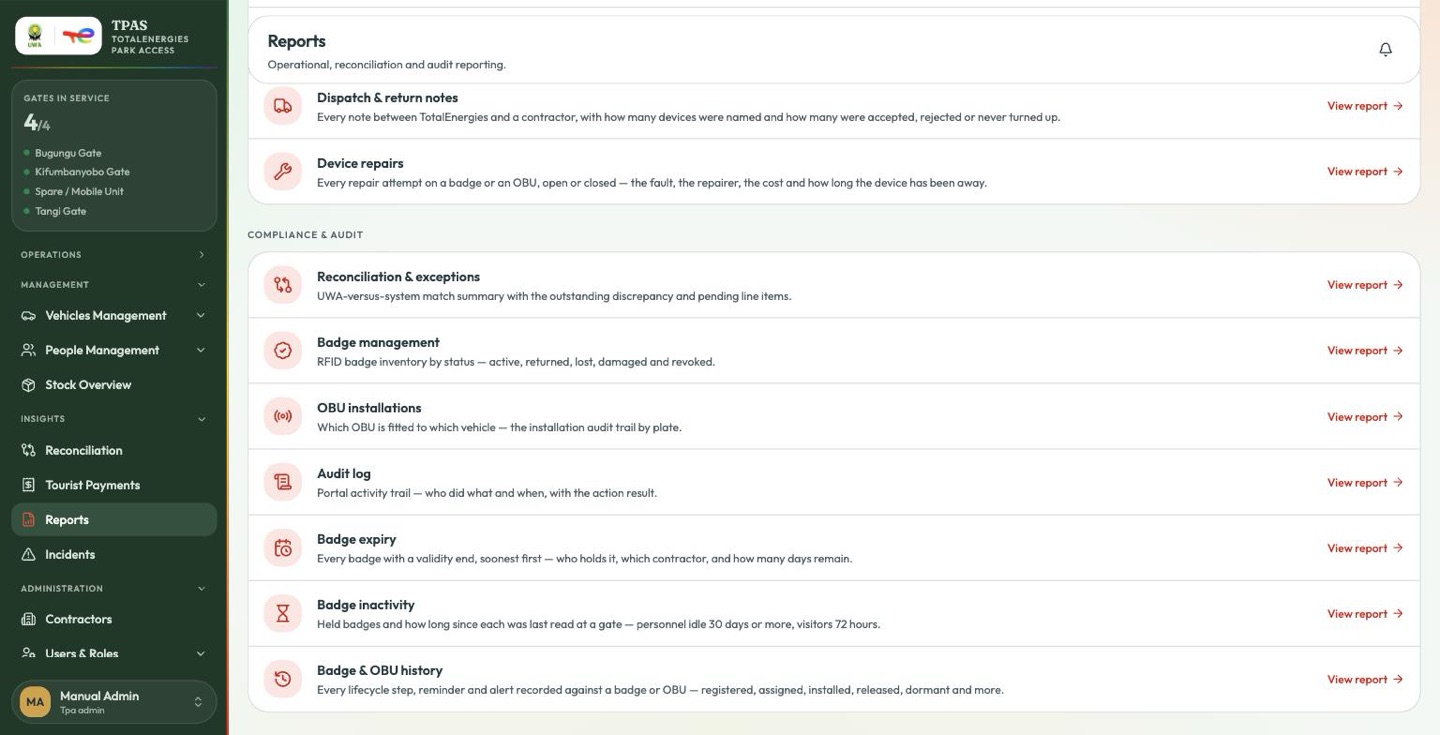
| Reconciliation & exceptions | UWA-versus-system match summary with the outstanding discrepancy and pending line items. |
| Badge management | RFID badge inventory by status — active, returned, lost, damaged and revoked. |
| OBU installations | Which OBU is fitted to which vehicle — the installation audit trail by plate. |
| Audit log | Portal activity trail — who did what and when, with the action result. |
| Badge expiry | Every badge with a validity end, soonest first — who holds it, which contractor, and how many days remain. |
| Badge inactivity | Held badges and how long since each was last read at a gate — personnel idle 30 days or more, visitors 72 hours. |
| Badge & OBU history | Every lifecycle step, reminder and alert recorded against a badge or OBU — registered, assigned, installed, released, dormant and more. |
The last three are the badge-health group.
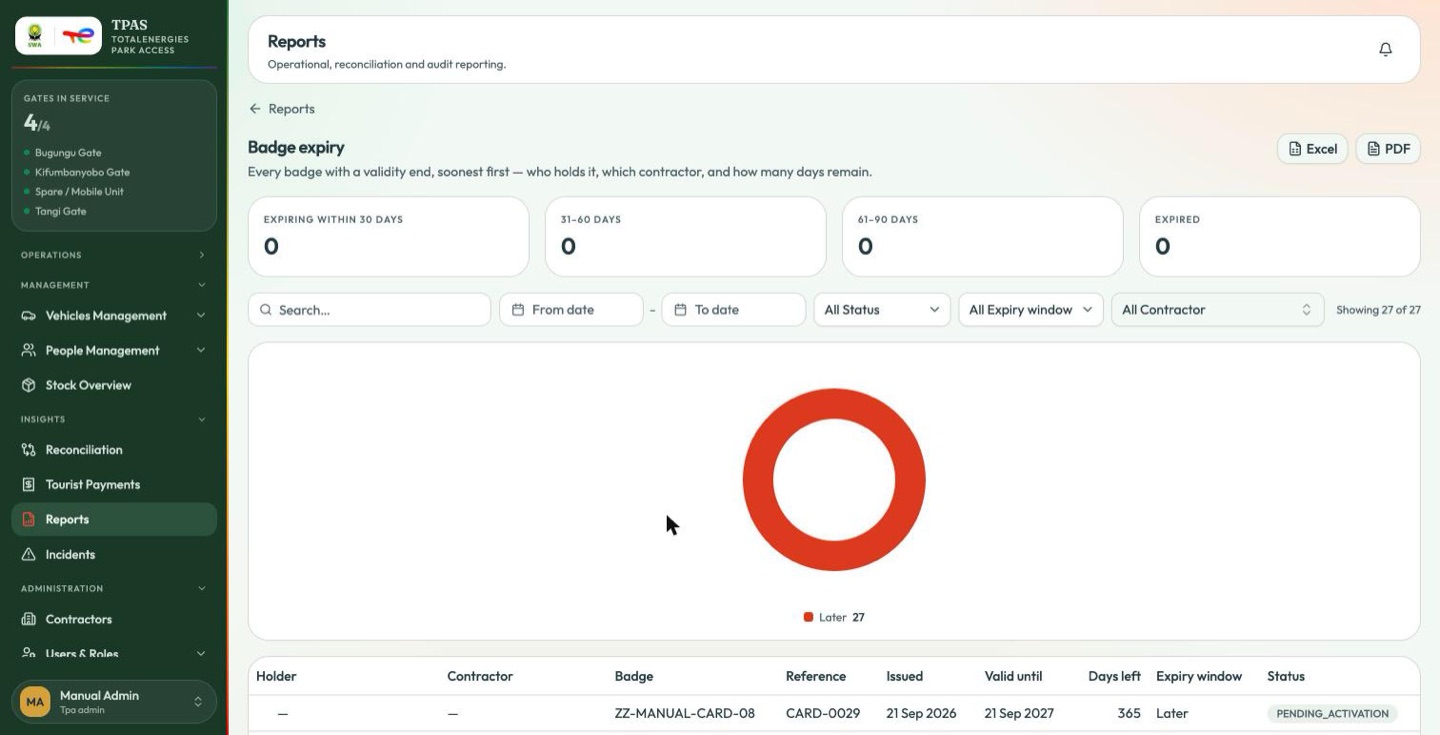
Badge expiry is the one to run before a contract rotation — it sorts soonest-first, so the top of the list is the work. Badge inactivity finds cards that are out there and unused, which is usually a card nobody has actually collected. Badge & OBU history is the estate-wide version of the per-device history dialog.