Fitting the OBU
access-device:read and access-device:assign.
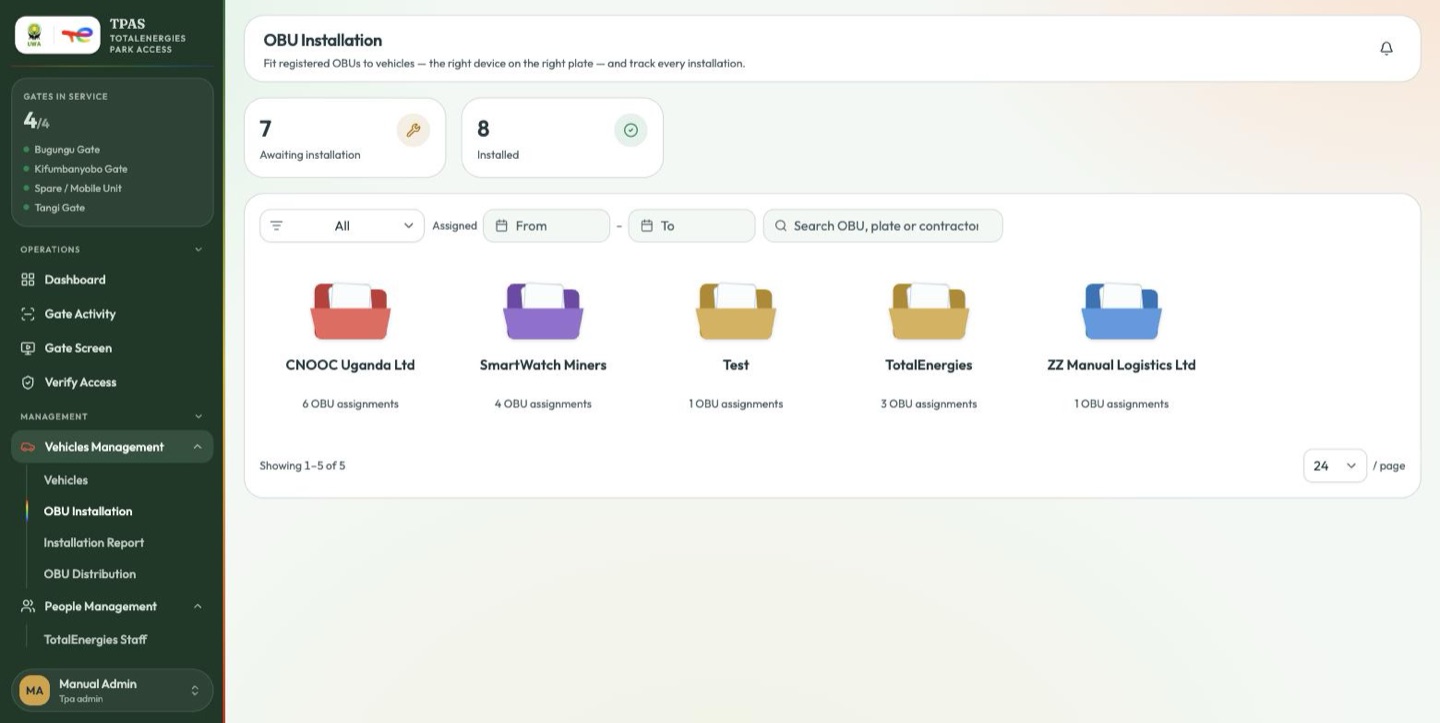
Vehicles Management → OBU Installation, or Registry → OBU → OBU
Installation.
This is the installer's screen: the list of OBUs assigned but not yet on a vehicle.
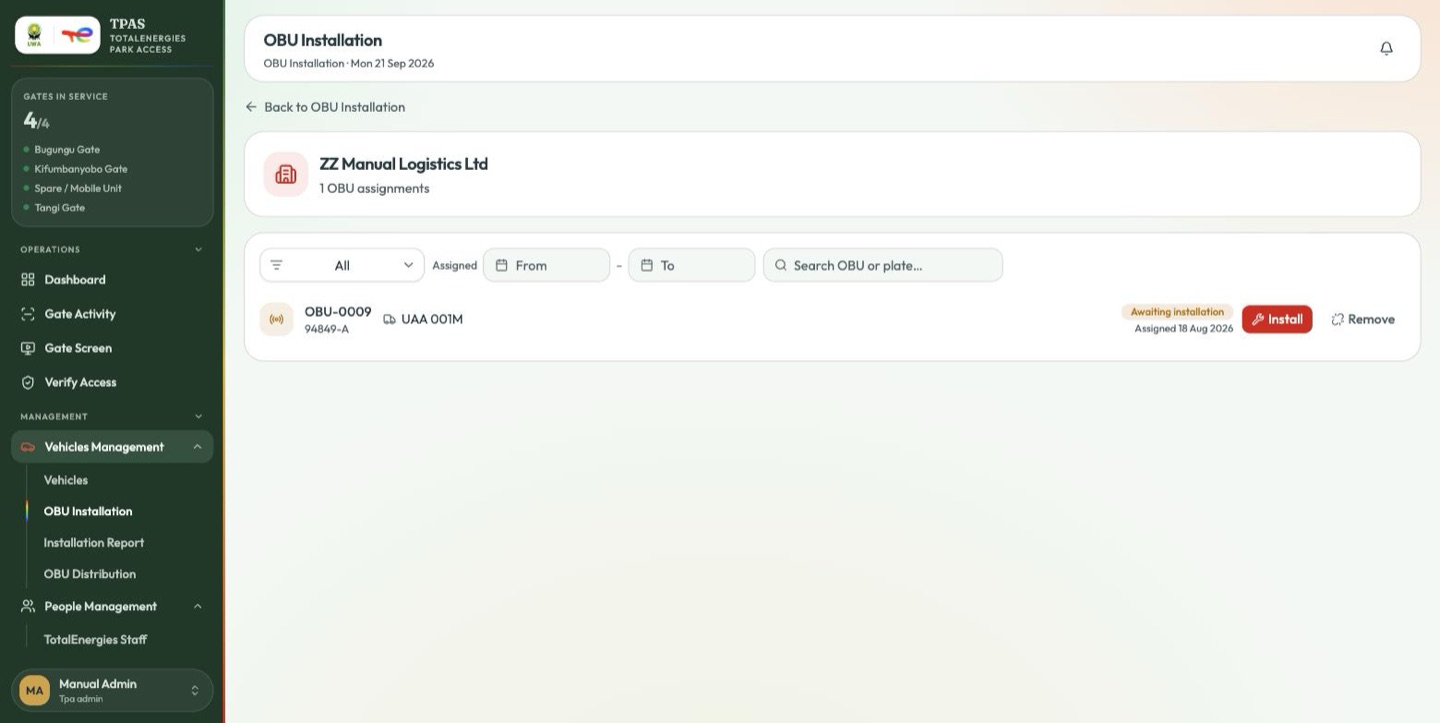
Select Install on the row.
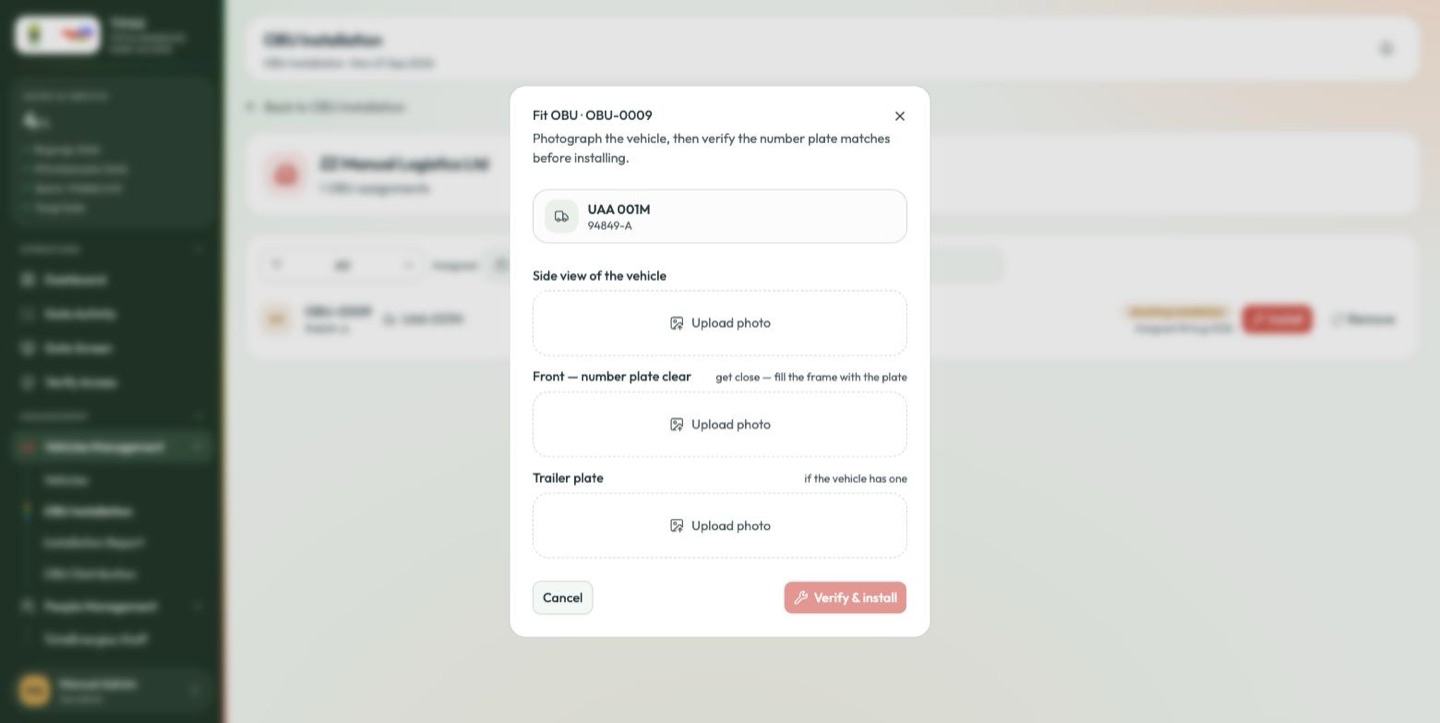
Photograph the vehicle, then verify the number plate matches before installing.
Three photographs are required before the fitting can be confirmed:
| Photo | What it must show |
|---|---|
| Side view of the vehicle | The whole vehicle, so the record shows what was fitted. |
| Front — number plate clear | "get close — fill the frame with the plate". This is the one that gets read. |
| Trailer plate | "if the vehicle has one" — required where the vehicle was registered with one. |
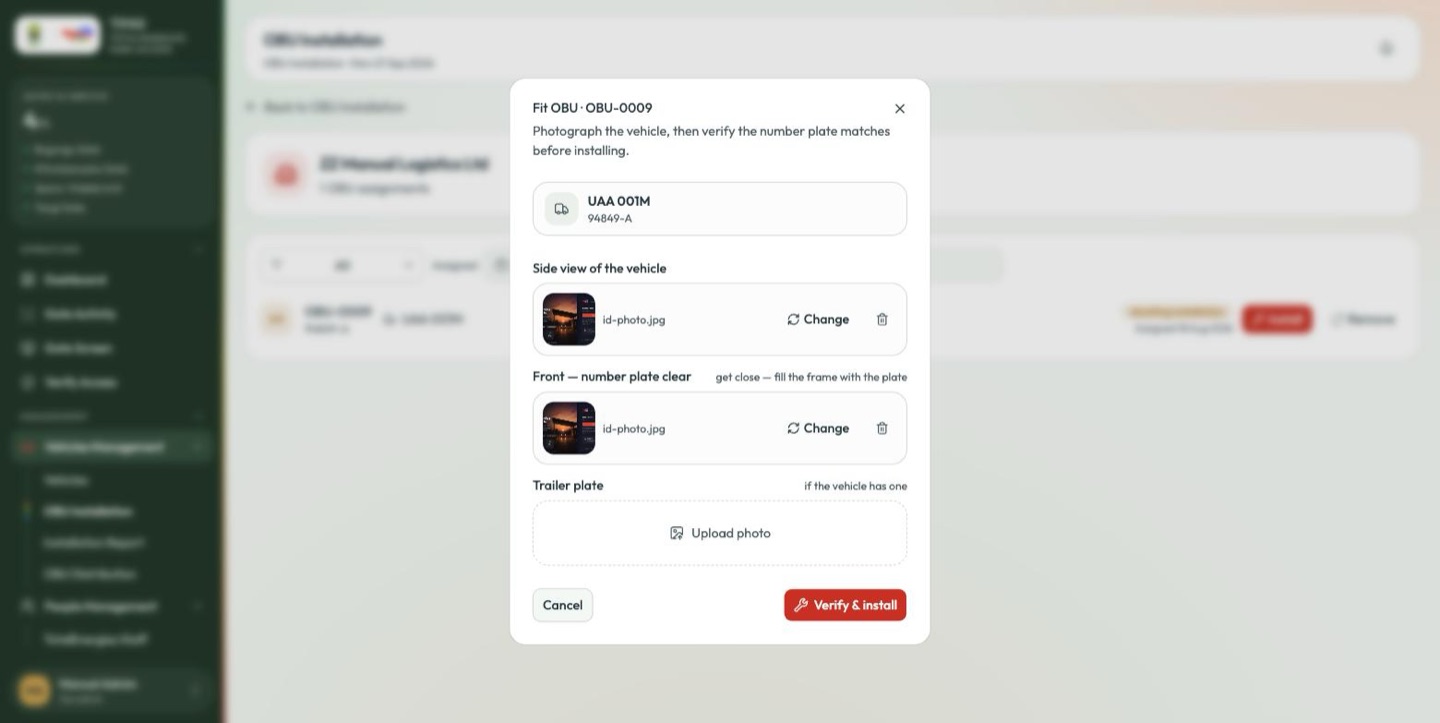
If the vehicle was registered with a trailer plate, the fitting will not proceed without a photograph of it.
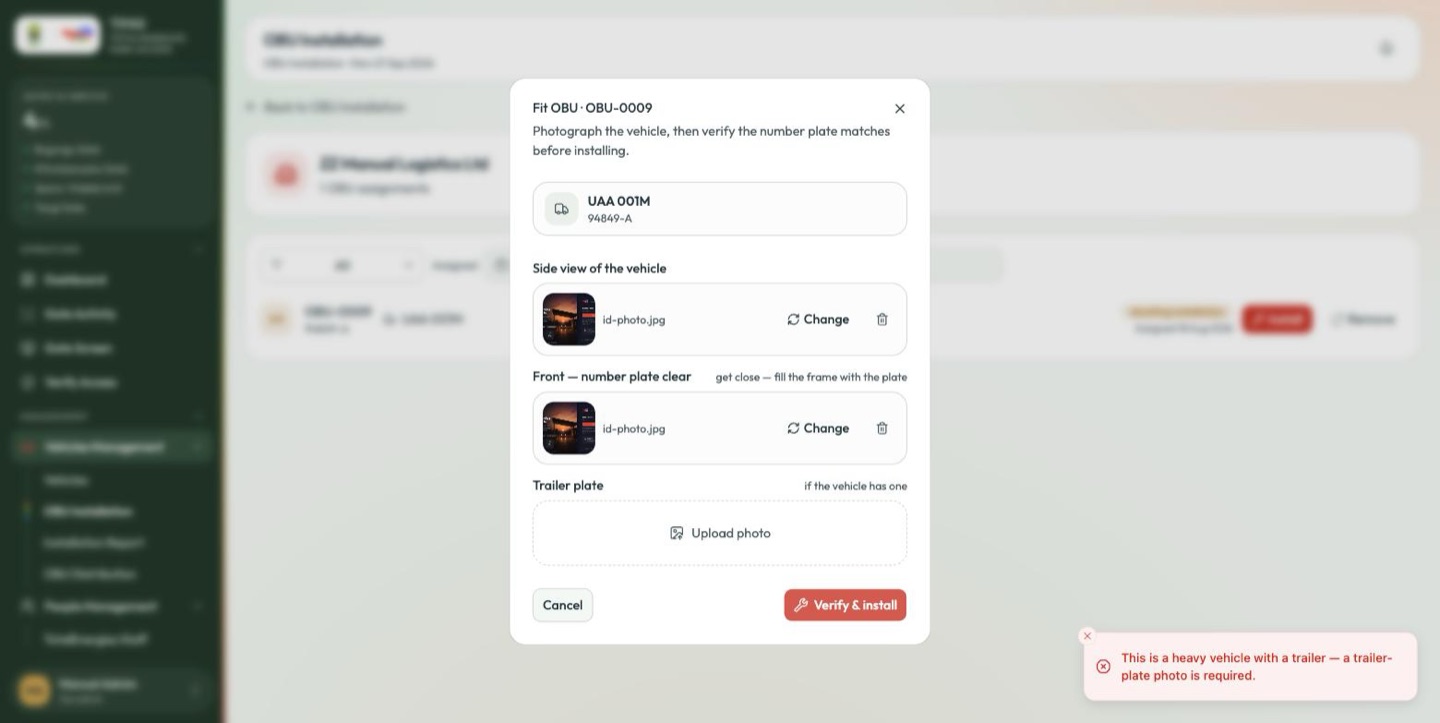
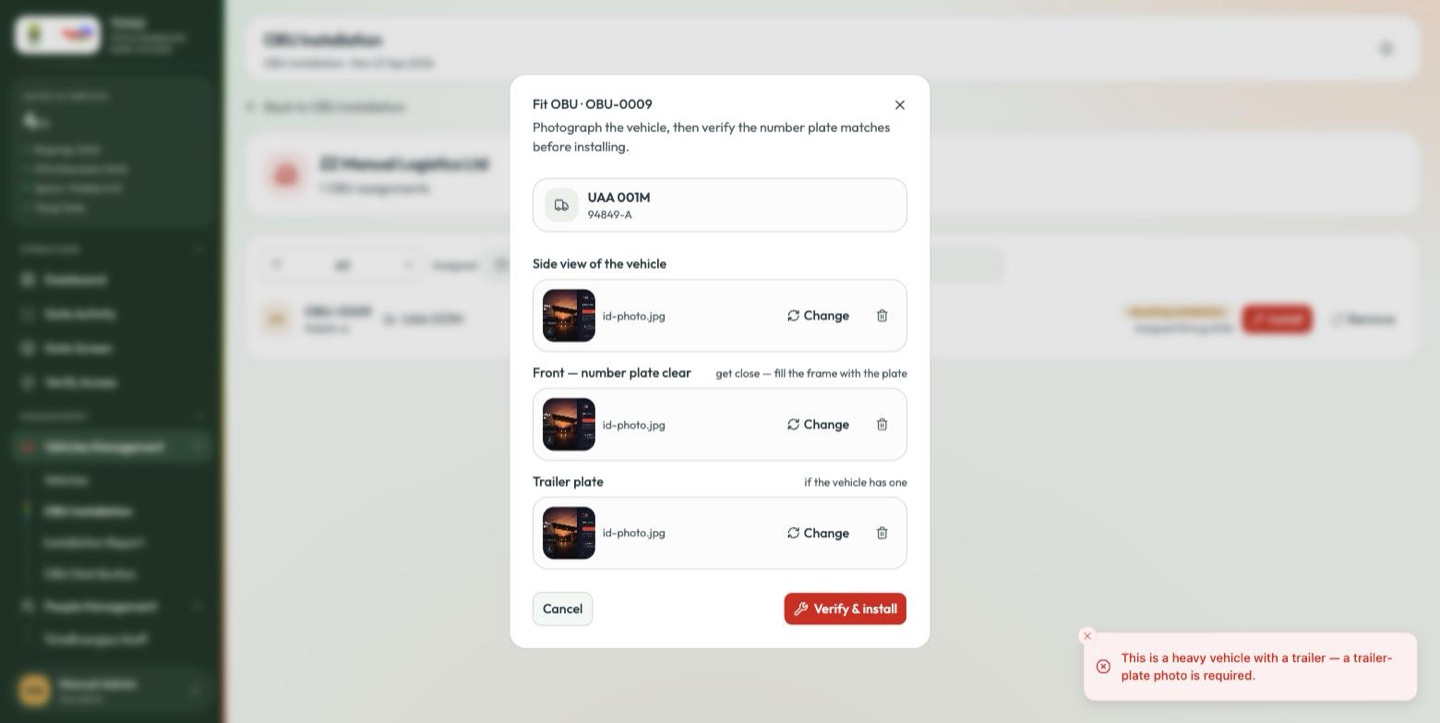
Verify & install reads the plate out of your photograph and compares it with the plate the OBU was assigned to. If it cannot, the fitting is stopped and the button becomes Re-verify & install:
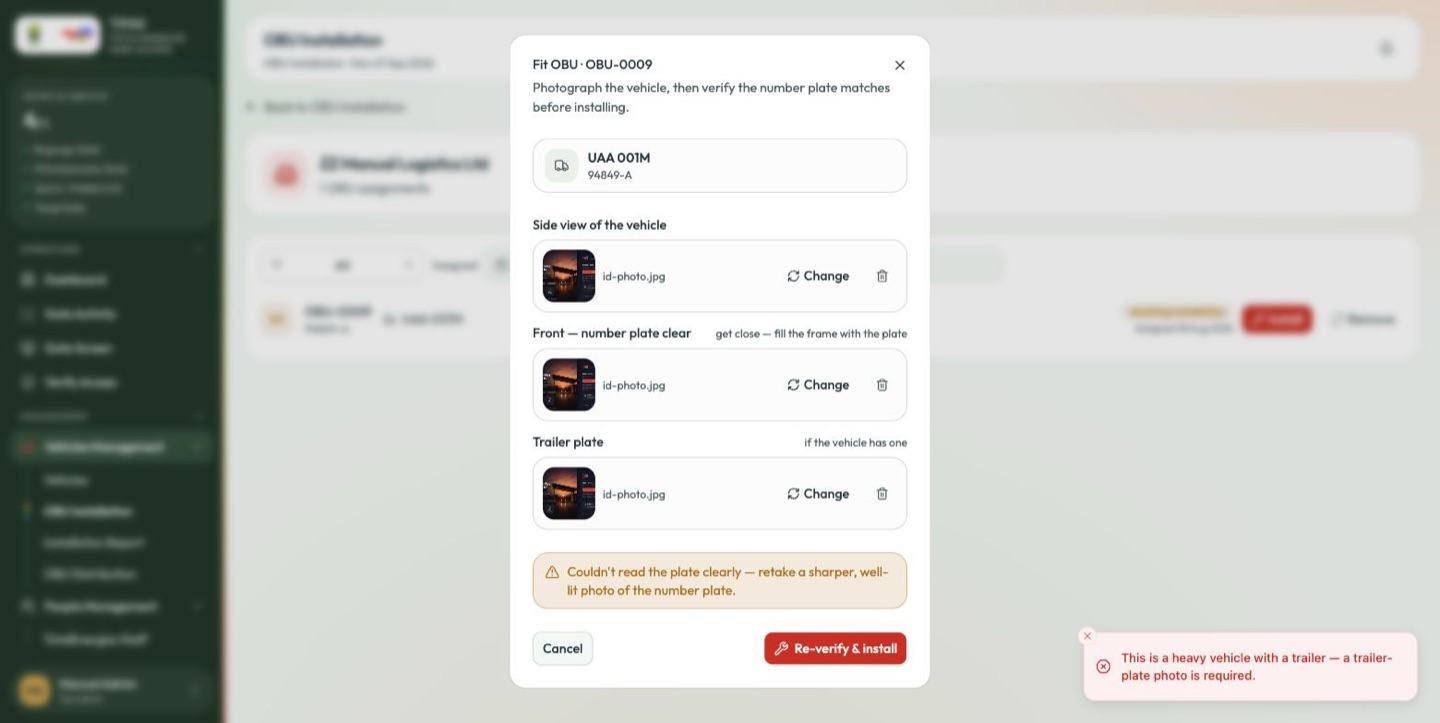
Couldn't read the plate clearly — retake a sharper, well-lit photo of the number plate.
Two things cause this, and they need opposite responses:
- A bad photograph. Blur, glare or an angle. Retake it square-on and closer, then Re-verify & install.
- The wrong vehicle. You are about to fit this OBU to a vehicle it was never assigned to. Stop. Fitting it anyway means every crossing this vehicle makes is recorded against another vehicle, and the reconciliation and the bill are both wrong.
Once verified, the OBU is installed and the vehicle becomes active — the barrier will open for it.
An error message raised before you opened this dialog can remain on screen behind it and cannot be dismissed until the dialog is closed. Read the message inside the dialog; that is the one describing what it is waiting for now.
The other OBU screens
| Screen | Who it is for |
|---|---|
| Installation Report | Contractor oversight — installation progress across a fleet. Requires organisation:read. |
| OBU Distribution | The whole device pool: which OBUs are assigned, fitted, spare or faulty — and where a dormant unit is reactivated. |
Both have a search box of their own, and hovering a contractor folder gives the full breakdown without opening it.