Dispatch
TotalEnergies, device-stock:dispatch.
Management → Stock Overview → the contractor → Dispatches.
Where issuing is one device at a time, a dispatch is a batch: one person can
collect twenty cards and they travel on a single note numbered DSP-0006.
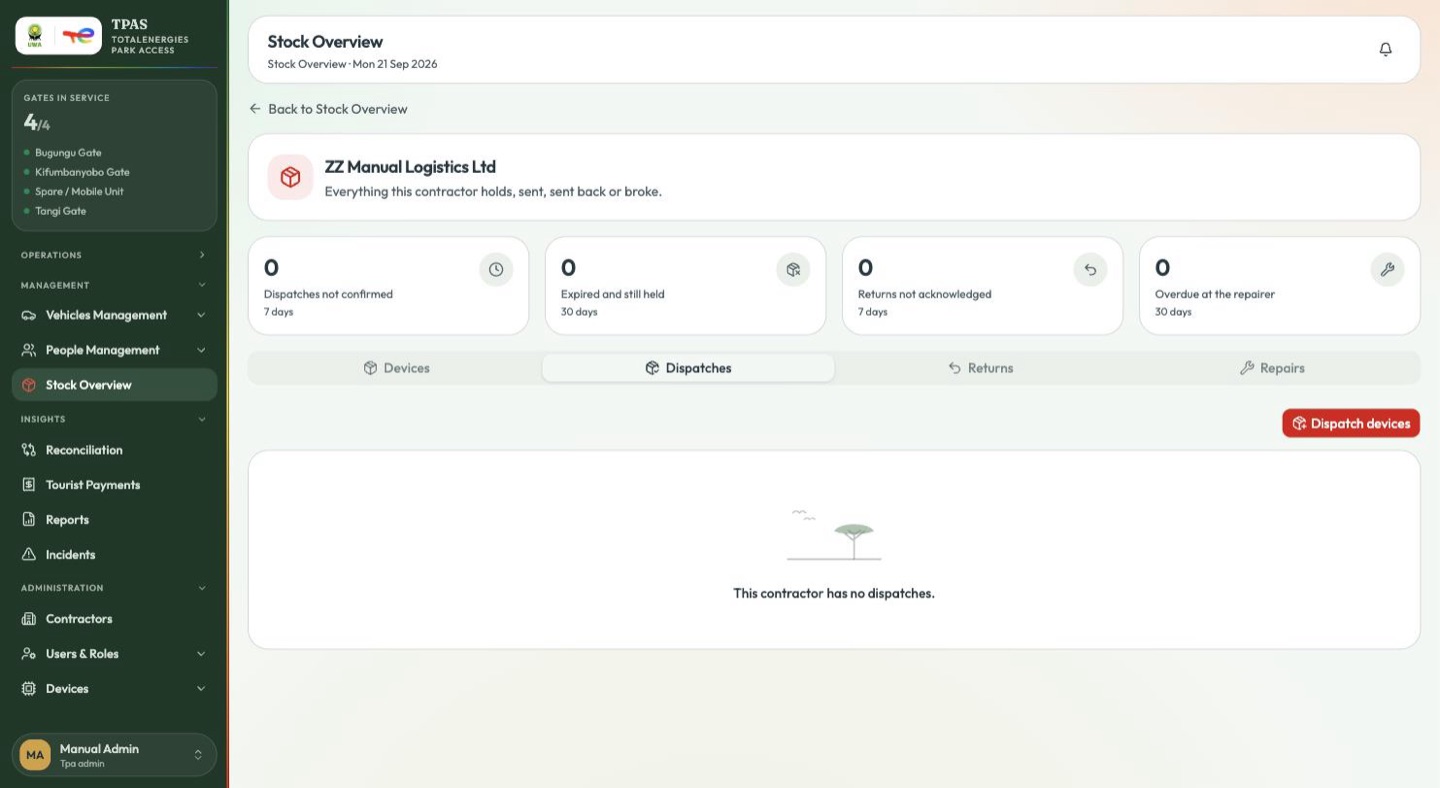
Dispatch devices opens a two-step page.
-
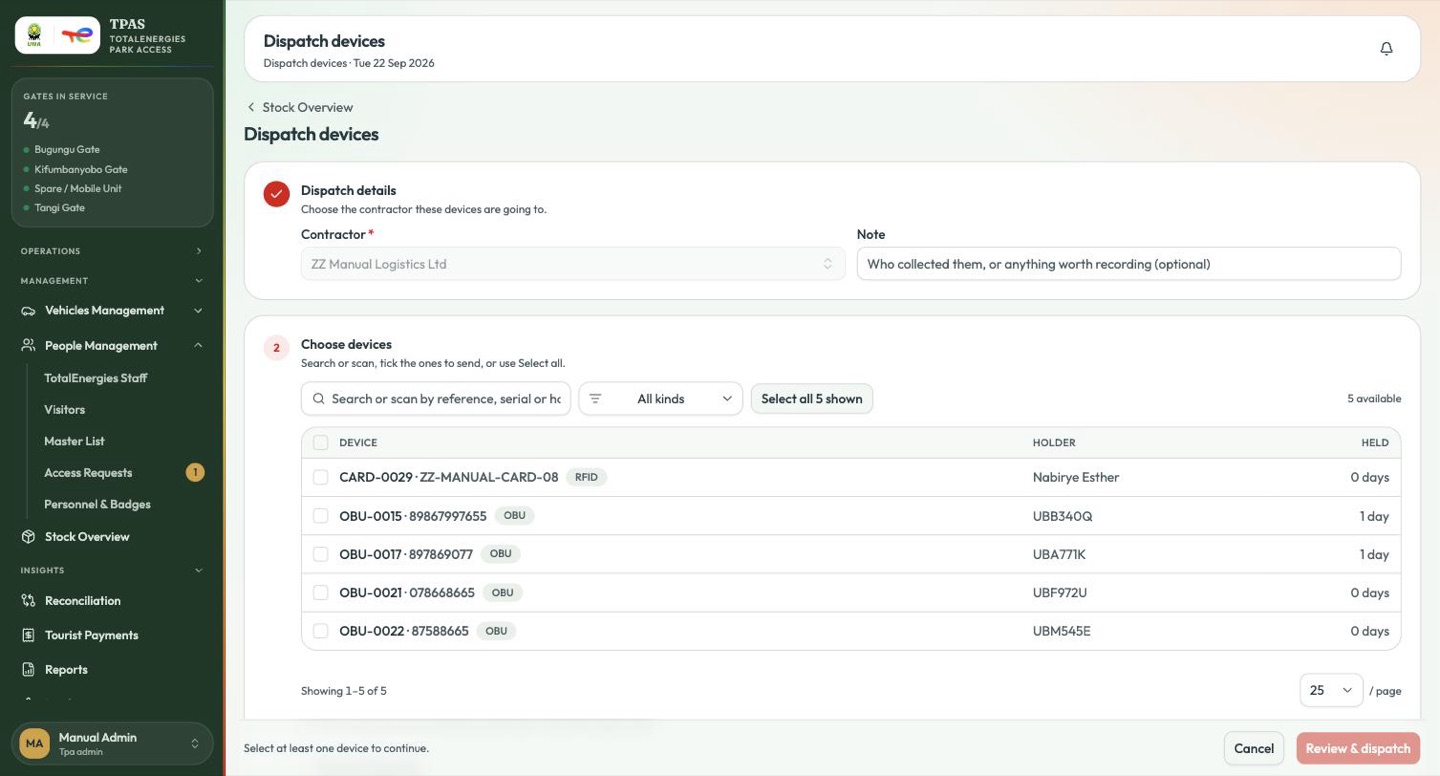
Dispatch details — the contractor, and an optional note ("Who collected them, or anything worth recording"). If you arrived from a contractor's page the contractor is already filled in and locked.
-
Choose devices — the list is the devices already issued to that contractor's people or vehicles, nothing else. Search or scan by reference, serial or holder, filter by kind, or press Select all n shown.
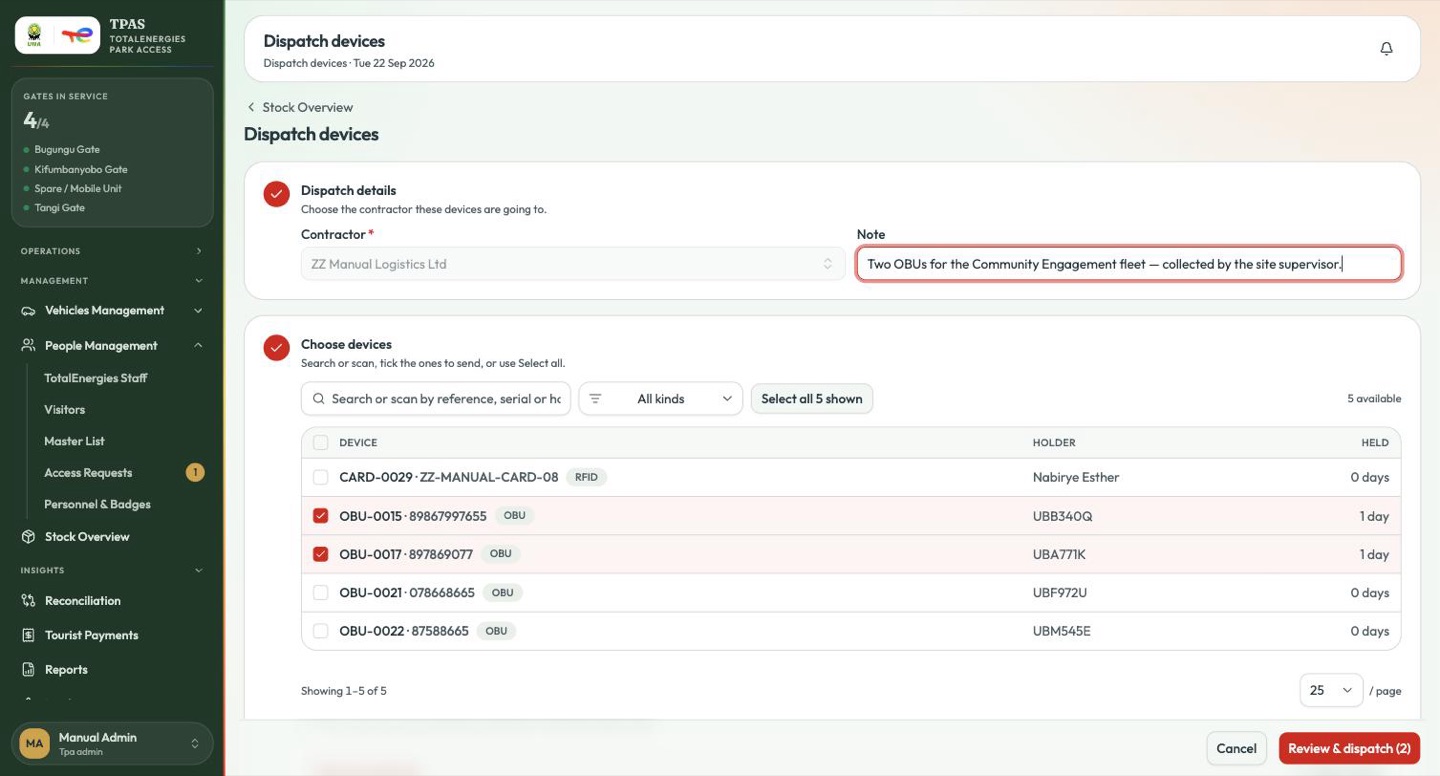
Until a contractor is chosen the device list stays locked and says so: "Choose a contractor first — the devices you can send are the ones issued to their people." An empty list after choosing one means nothing has been issued to them yet, not that dispatch is broken.
Review & dispatch asks once more, naming the count and the contractor.
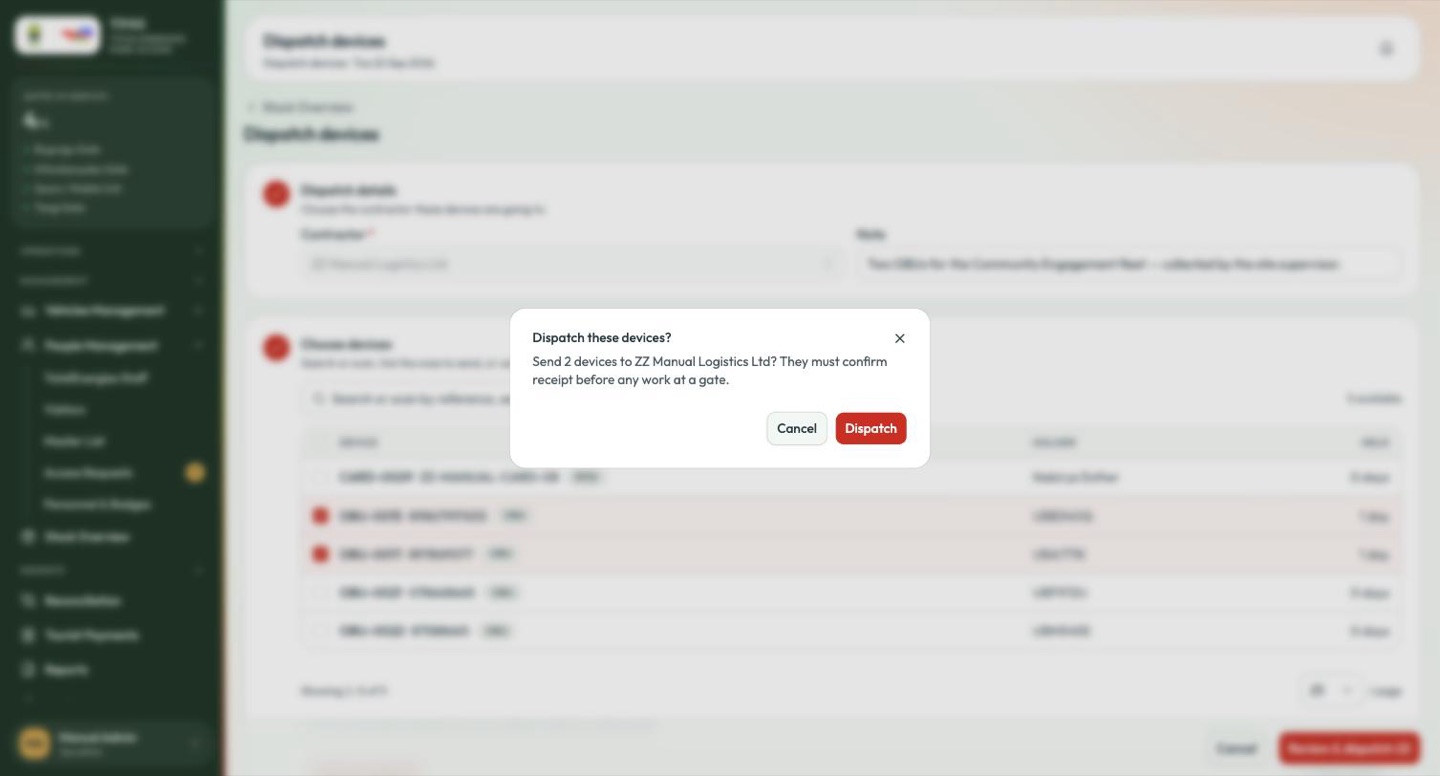
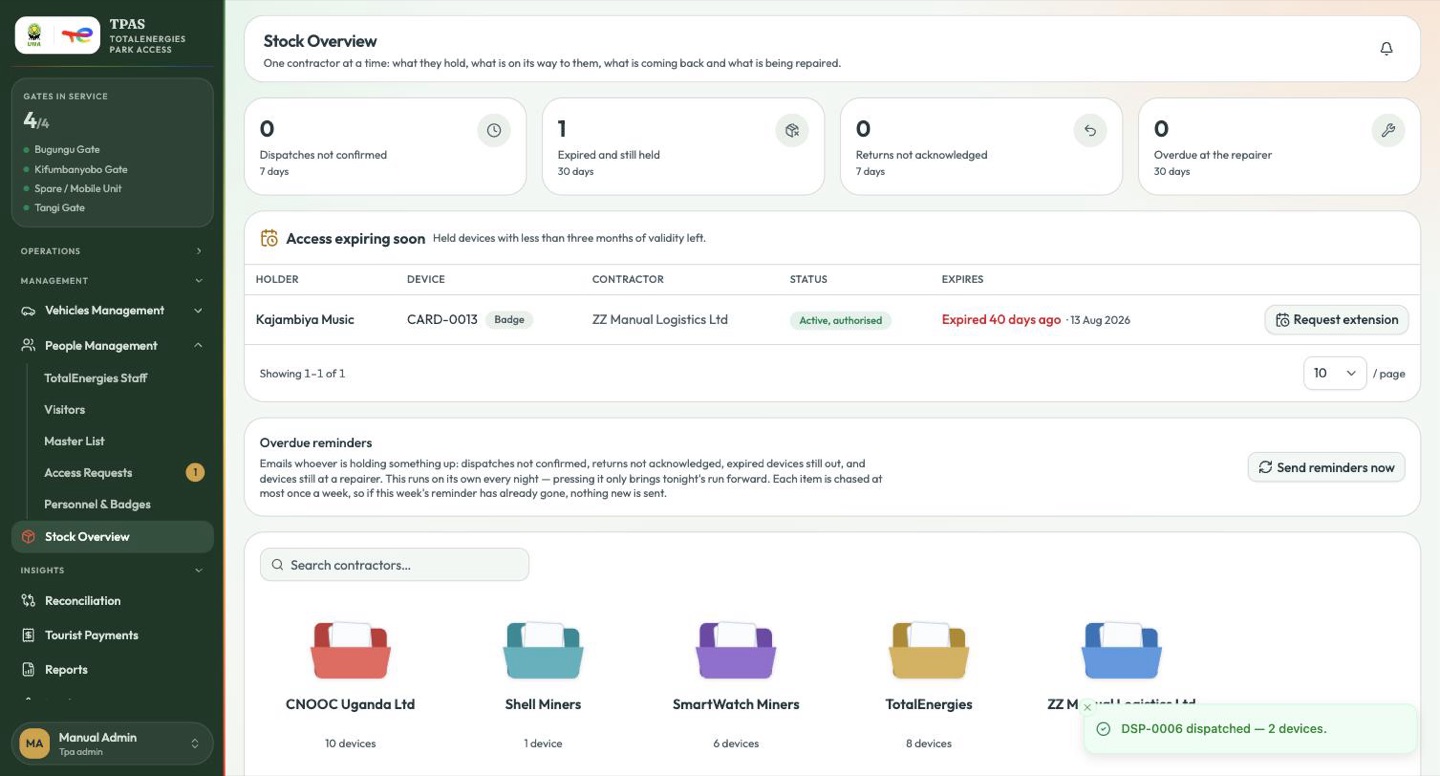
The devices become Sent, not yet confirmed and the contractor is notified.
The scan hint is not decoration. A scan gun typed into the search box narrows the list to one row, and Enter takes the single match, so a twenty-device note can be built without touching the mouse.