Expiry, renewal and extensions
A device with less than three months left appears in Access expiring soon, on the contractor's Stock Overview and on TotalEnergies'.
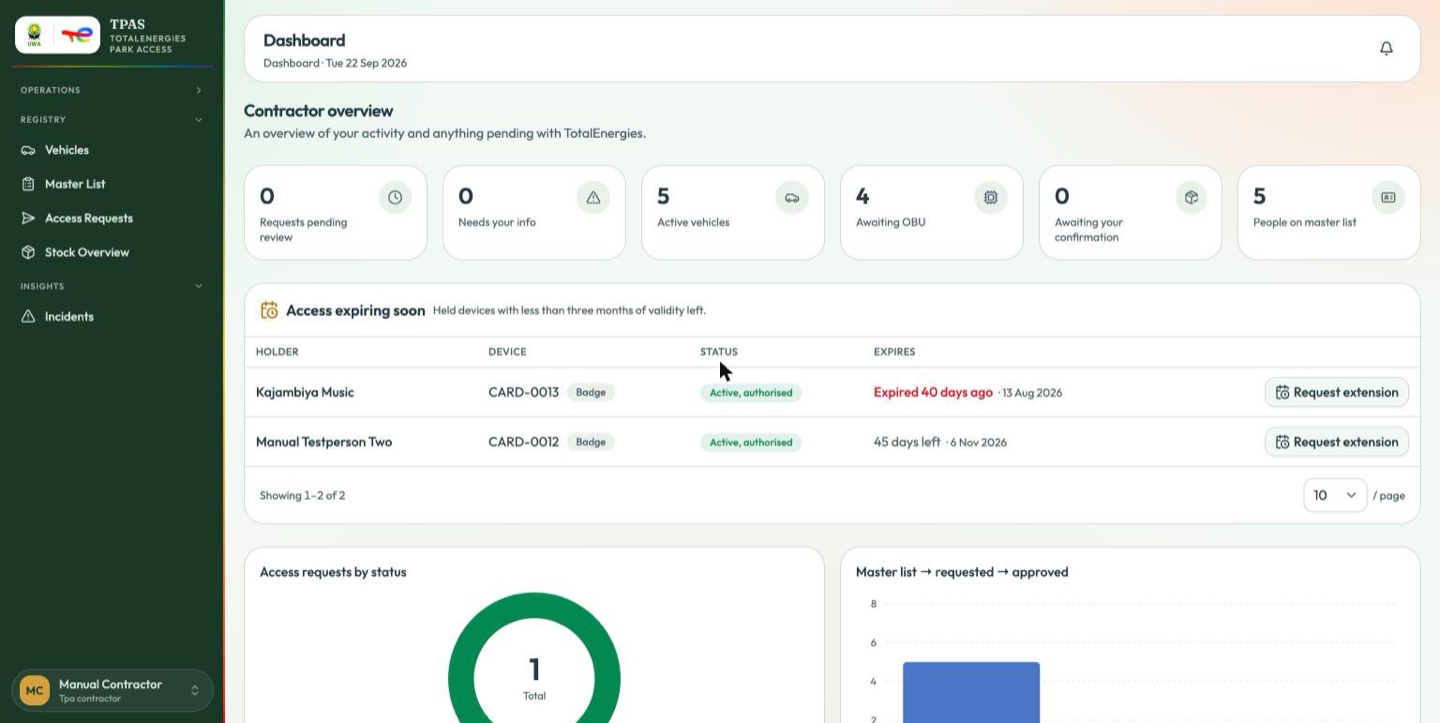
There are two ways to keep a device working, and they are not the same thing.
Renew validity (device-stock:manage) extends a device in place by another
twelve months, from the badge or OBU row. No shipping, no downtime, no approval.
Request extension (device-stock:read) is what a contractor uses when they
cannot renew it themselves. It asks TotalEnergies to extend the device for the
same holder.
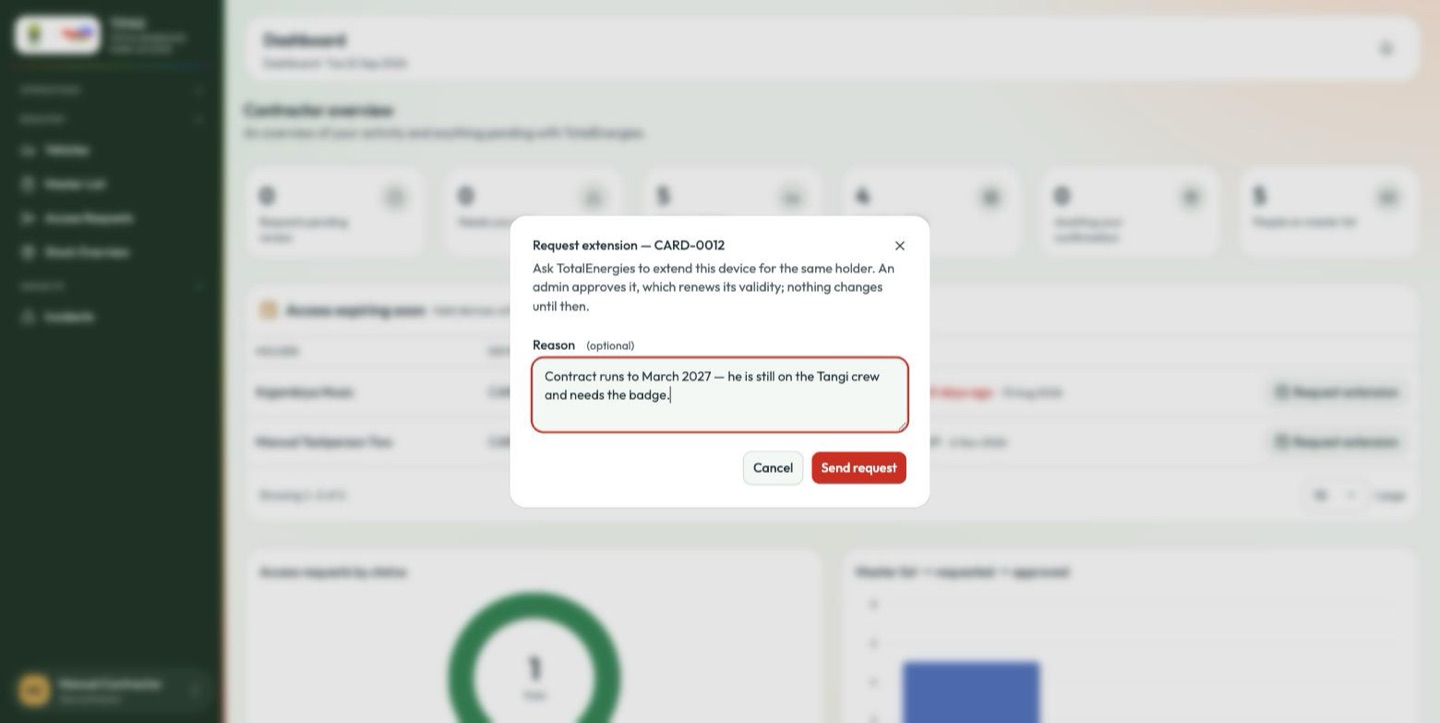
The dialog is explicit that nothing happens yet: "An admin approves it, which renews its validity; nothing changes until then." The reason is optional. Once sent, the row shows Extension requested and the button is gone.
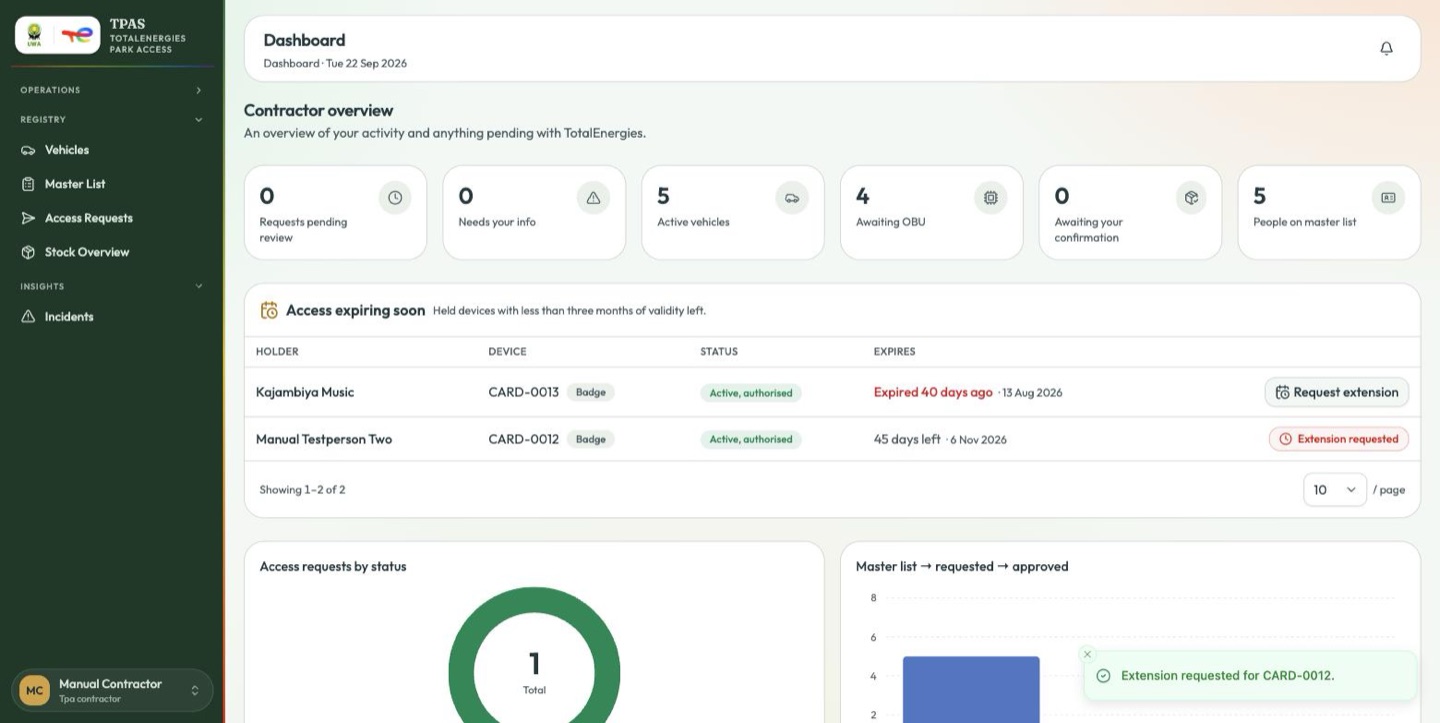
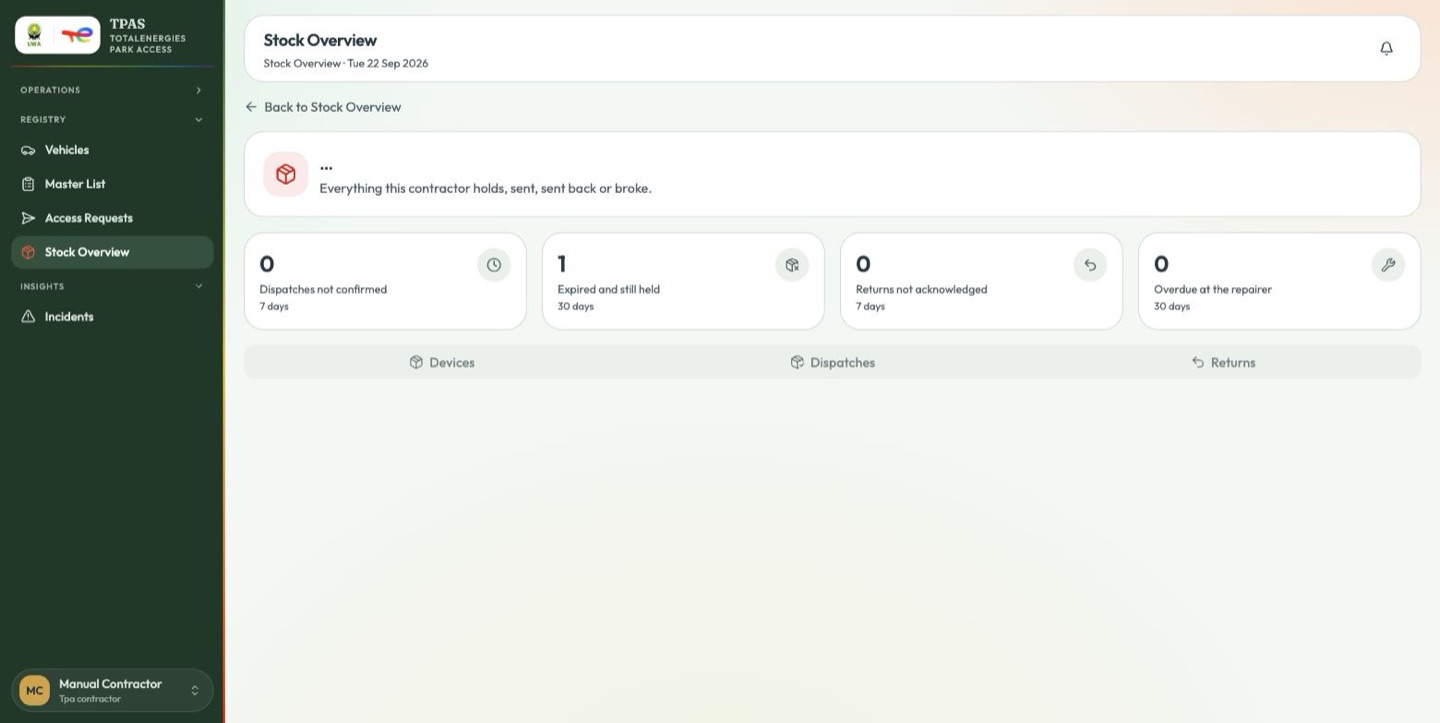
An expired device stays in the list, counted on the Expired and still held tile, until it is renewed or sent back.
The extension queue
TotalEnergies, device-stock:manage.
Management → Stock Overview.
Requests collect in a panel at the top of Stock Overview — "Contractors asking to keep a device longer" — with an age against each one.
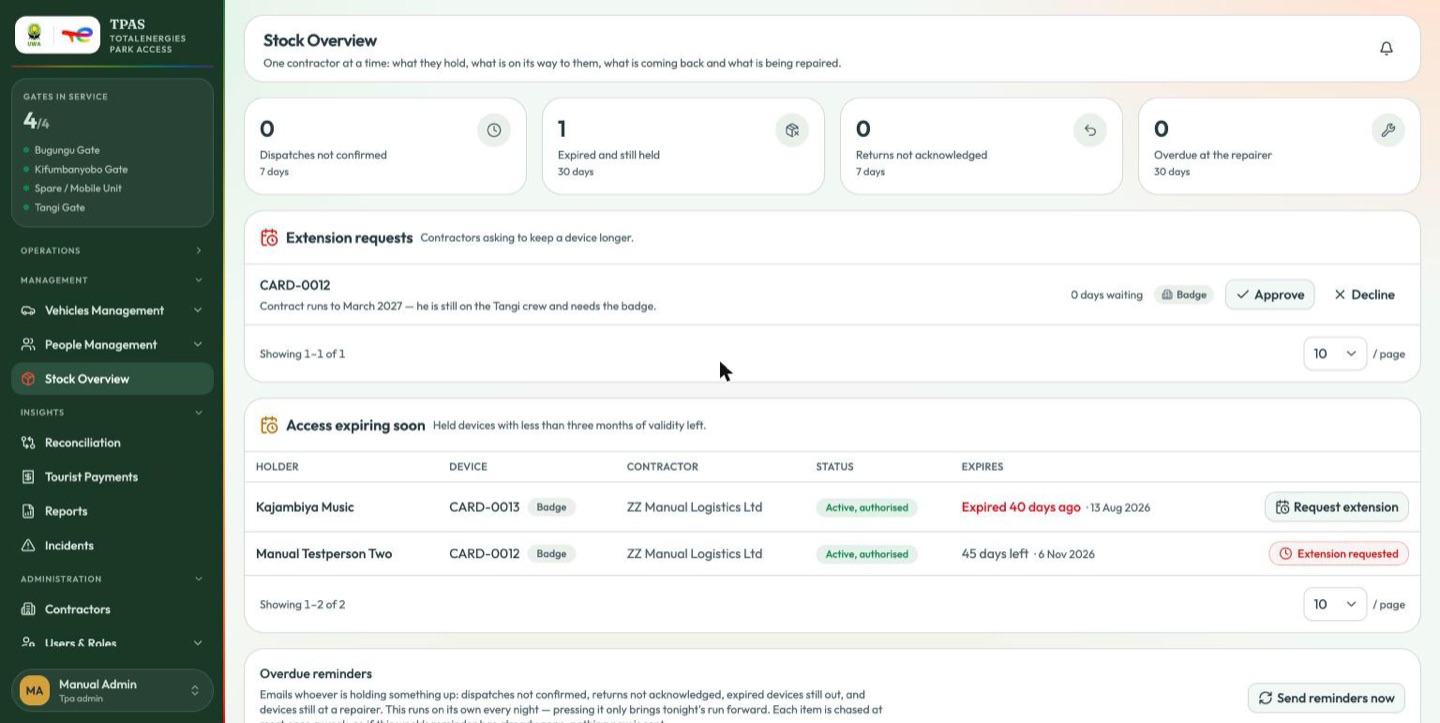
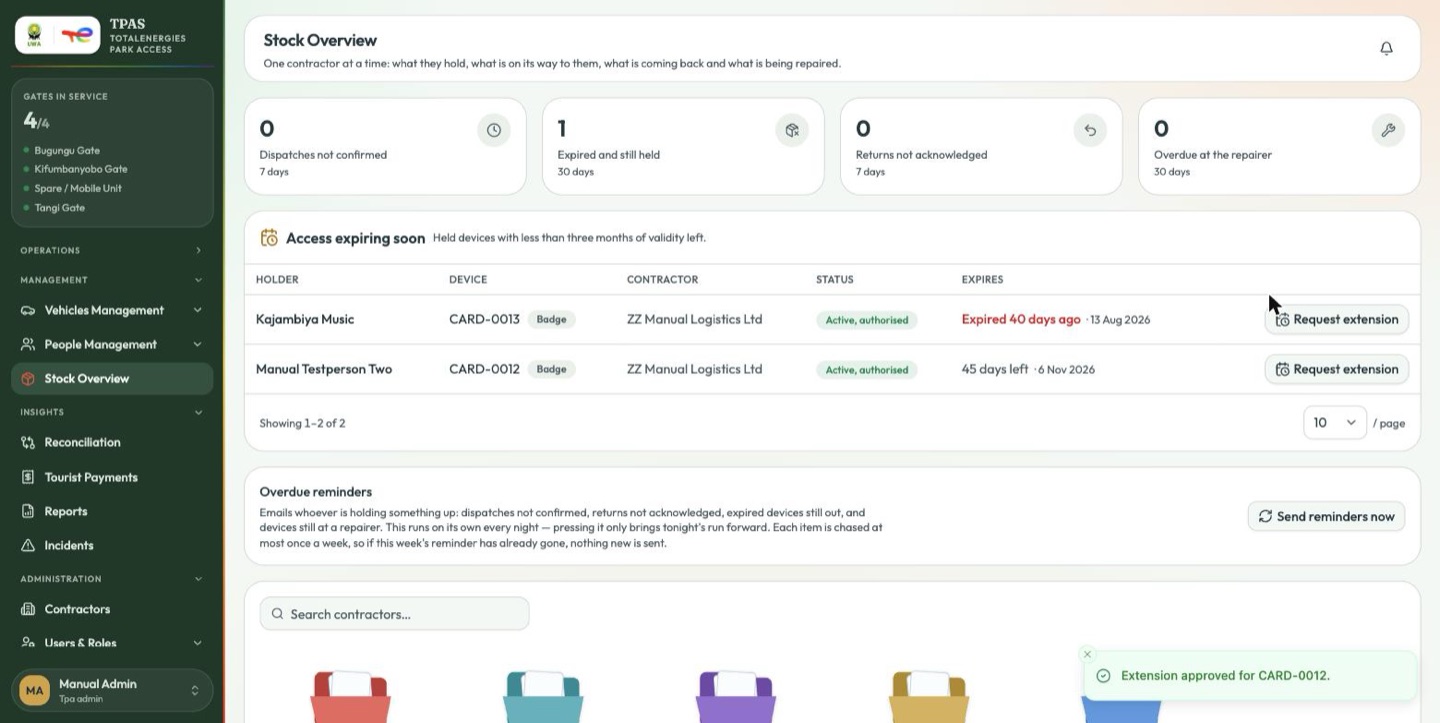
Approve renews the device on the spot, for the same holder.
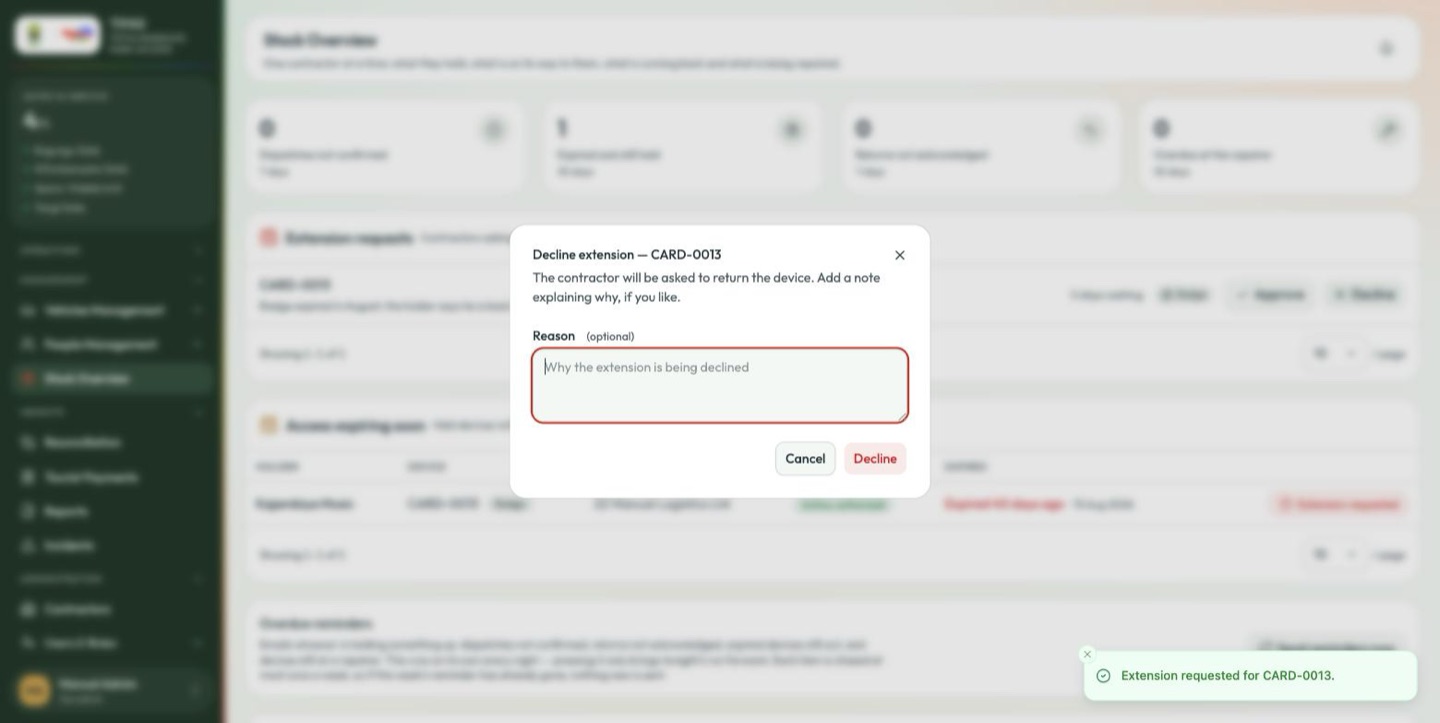
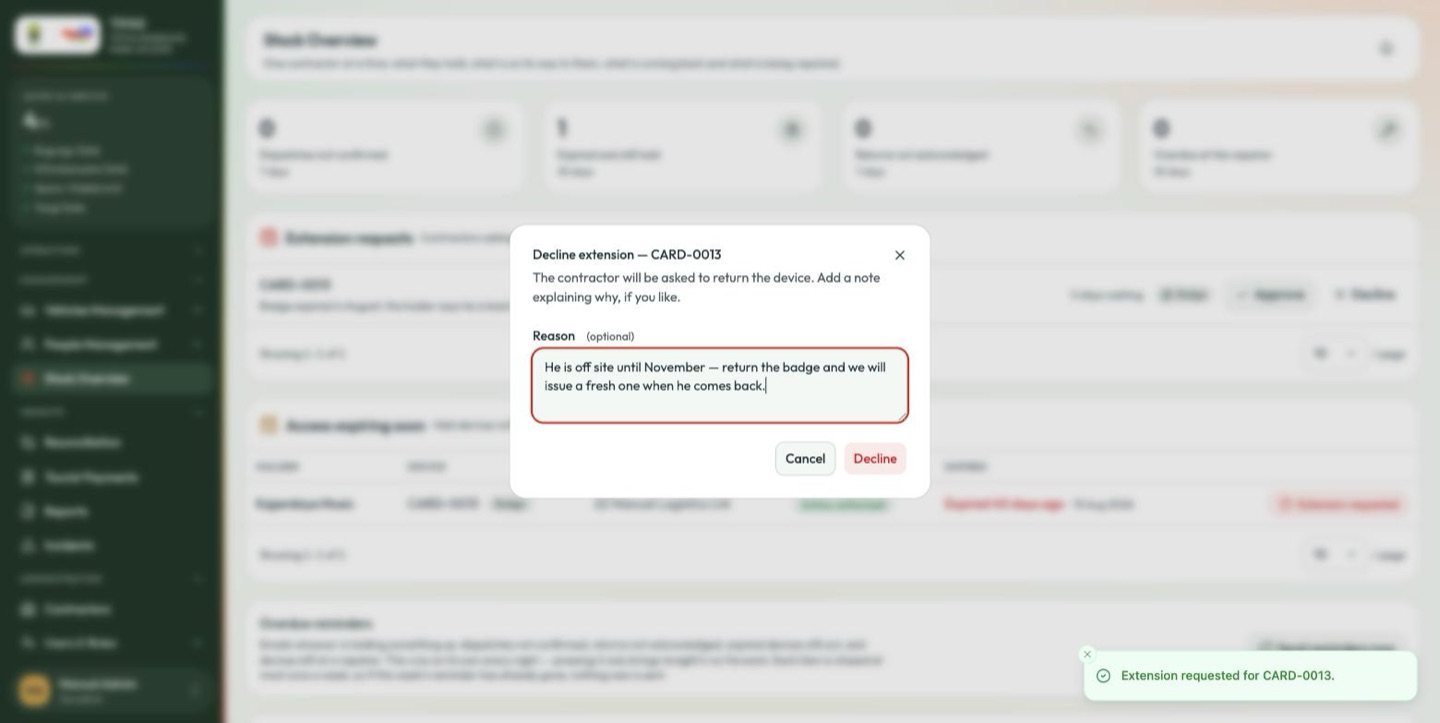
Decline asks for a note first: "The contractor will be asked to return the device. Add a note explaining why, if you like." The note is optional, but it is the only explanation the contractor gets.
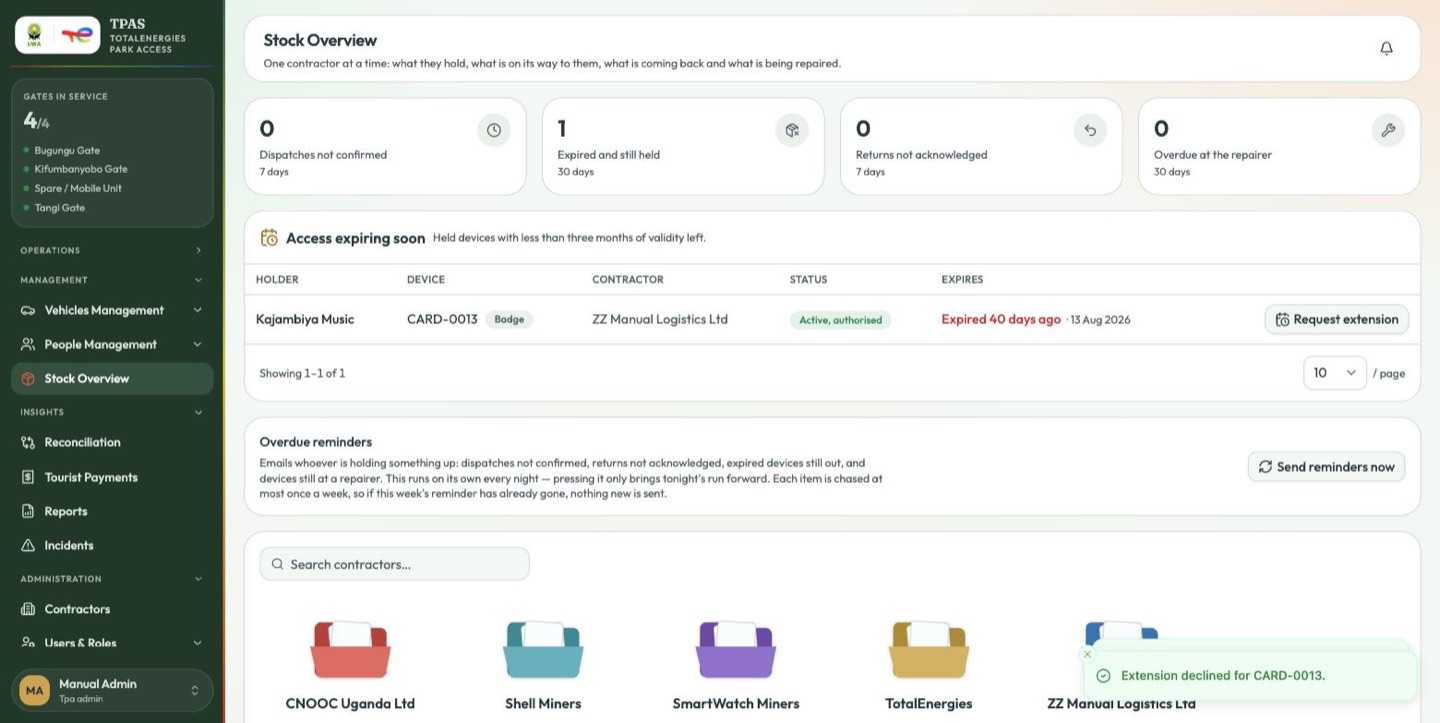
Approving is usually the cheapest answer to expired and still held. It extends validity in place, with no shipping and no downtime, and it is the option people most often forget.