Starting a return
The contractor, device-stock:return.
Registry → Stock Overview → Returns.
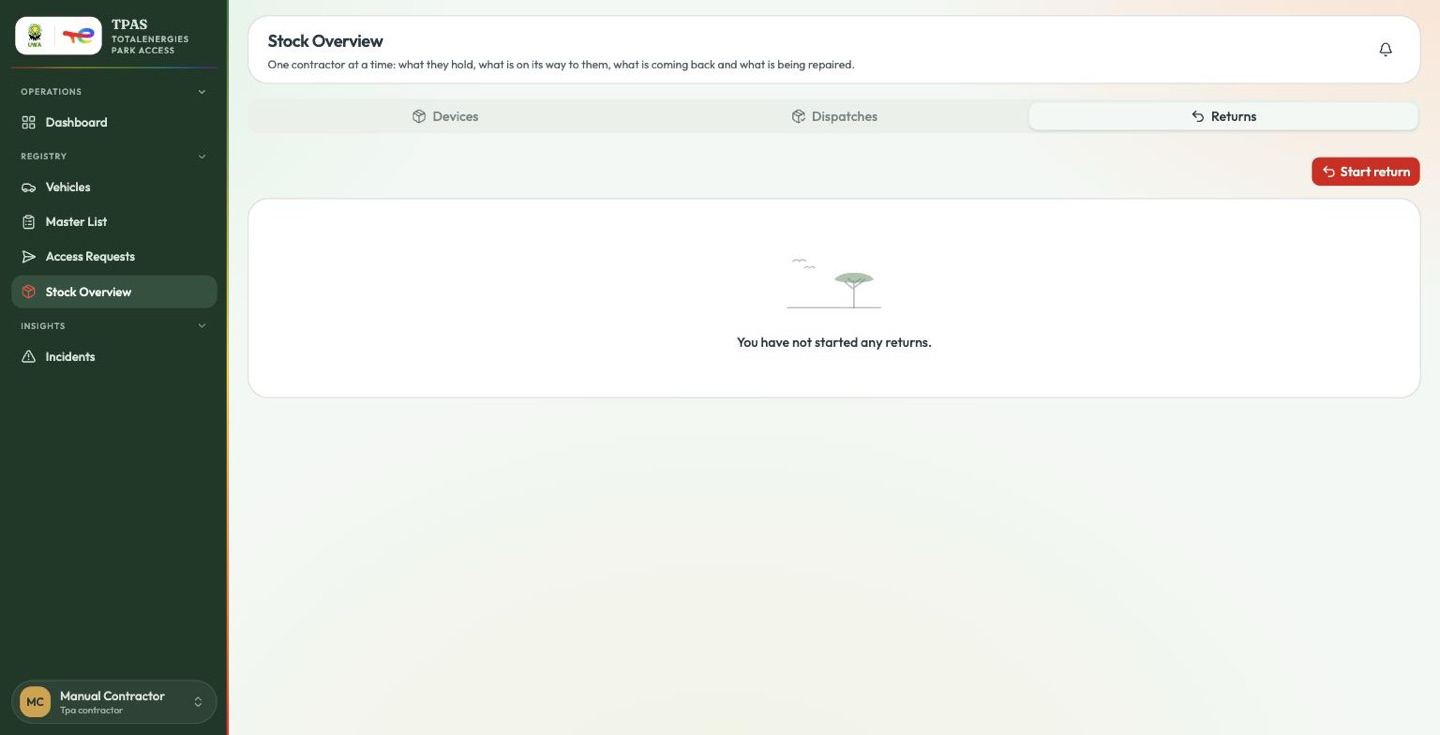
Start return is a two-step page, and the first step is the reason — every returned device records why it came back.
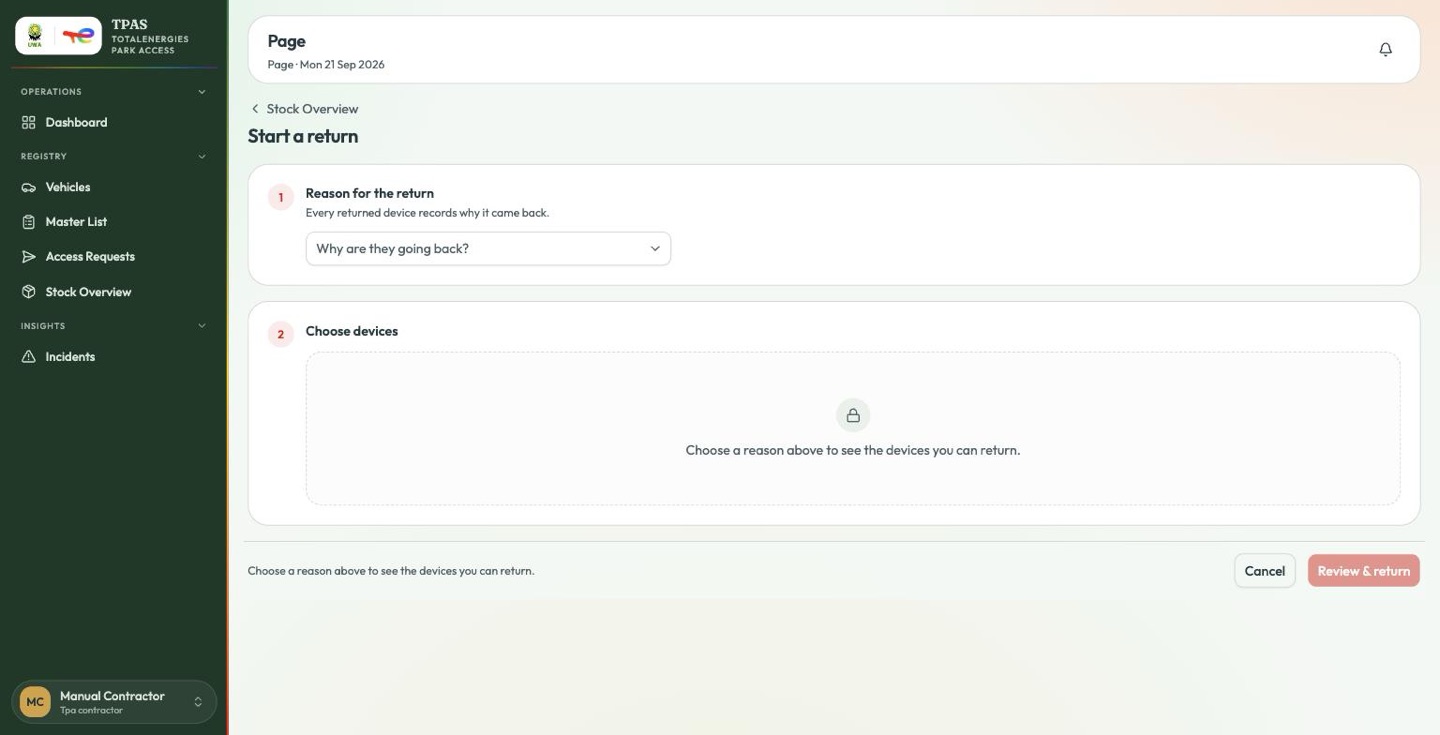
| Reason | |
|---|---|
| Demobilisation | The crew is leaving site. |
| Expiry | Validity has run out and the device is not needed. |
| Damage | It stopped working. |
| Staff exit | The holder has left. |
| Contract end | The engagement is over. |
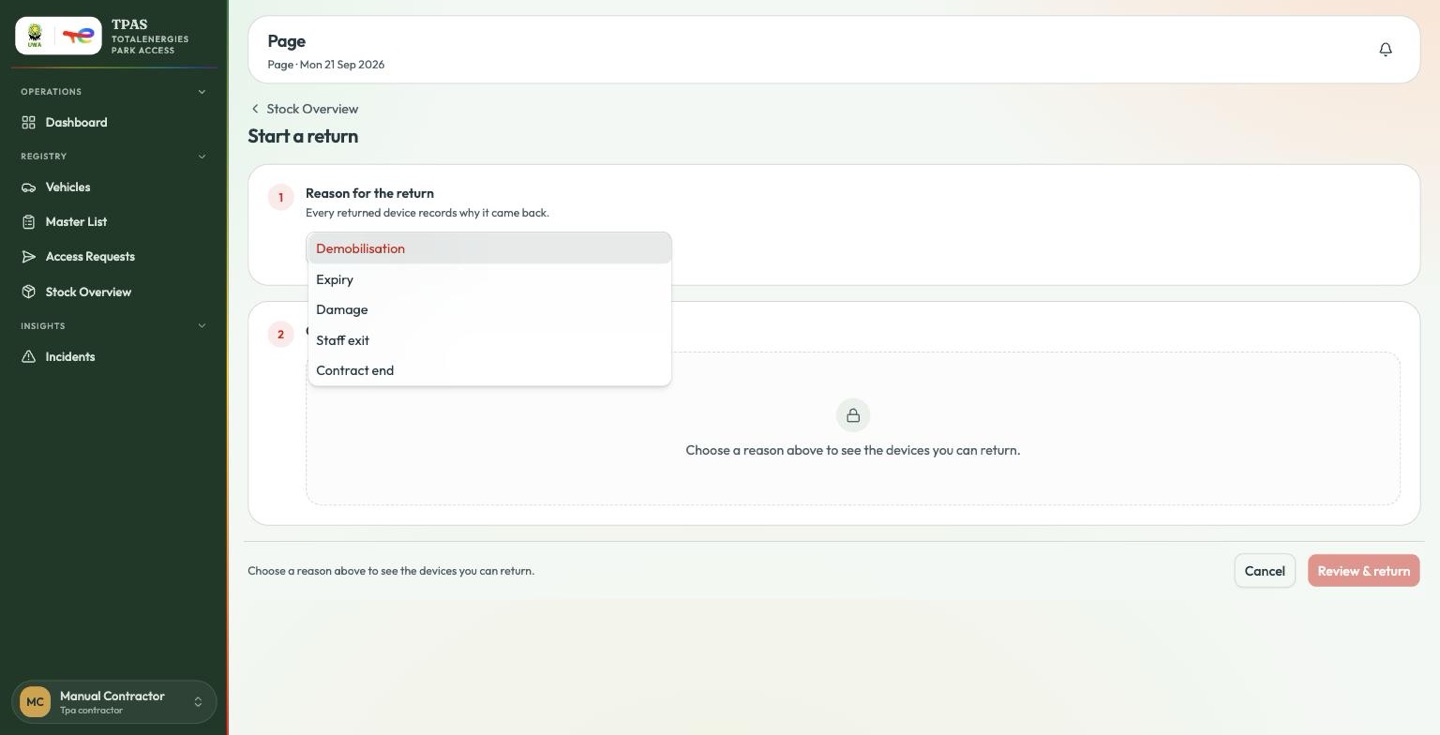
The device list stays locked until a reason is chosen — "Choose a reason above to see the devices you can return." It then offers only devices the contractor is actually holding, which is what stops a return note naming a device that was never signed for.
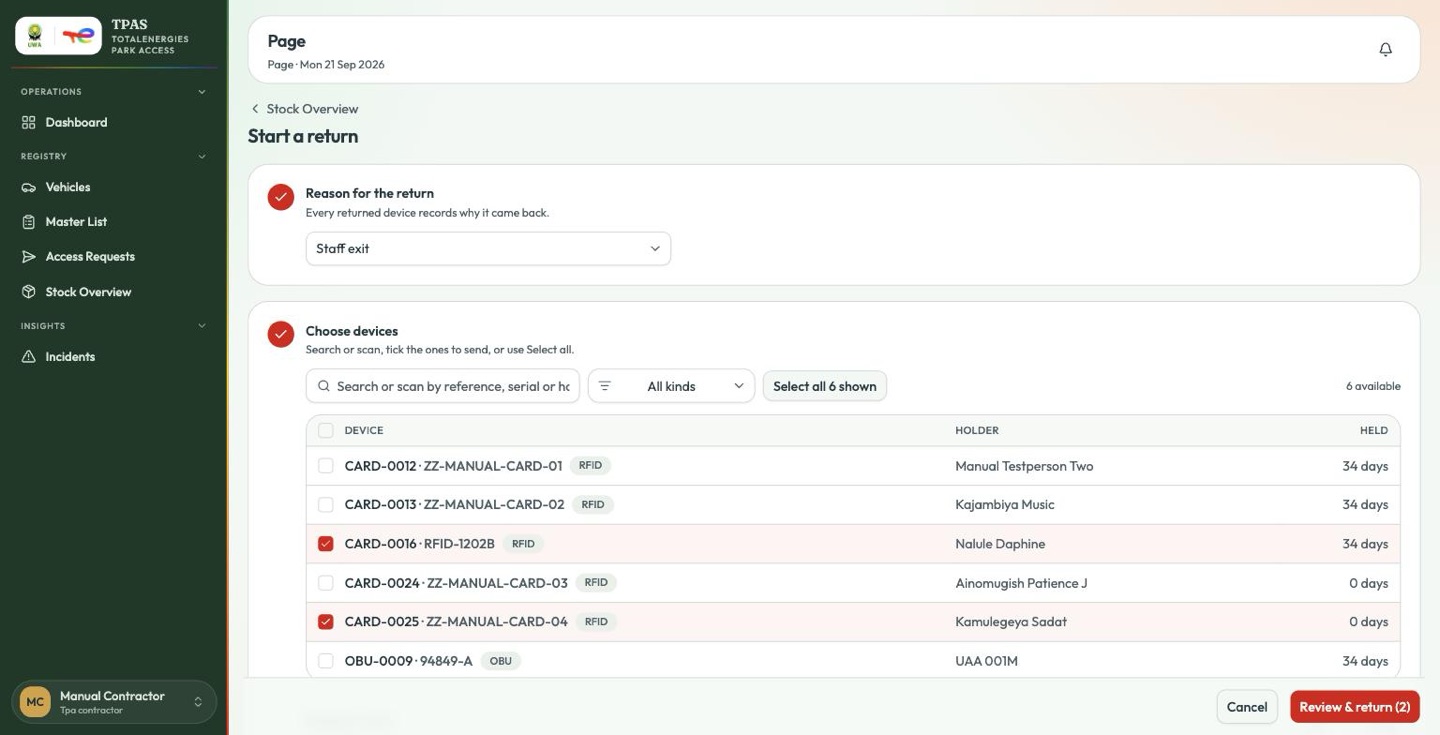
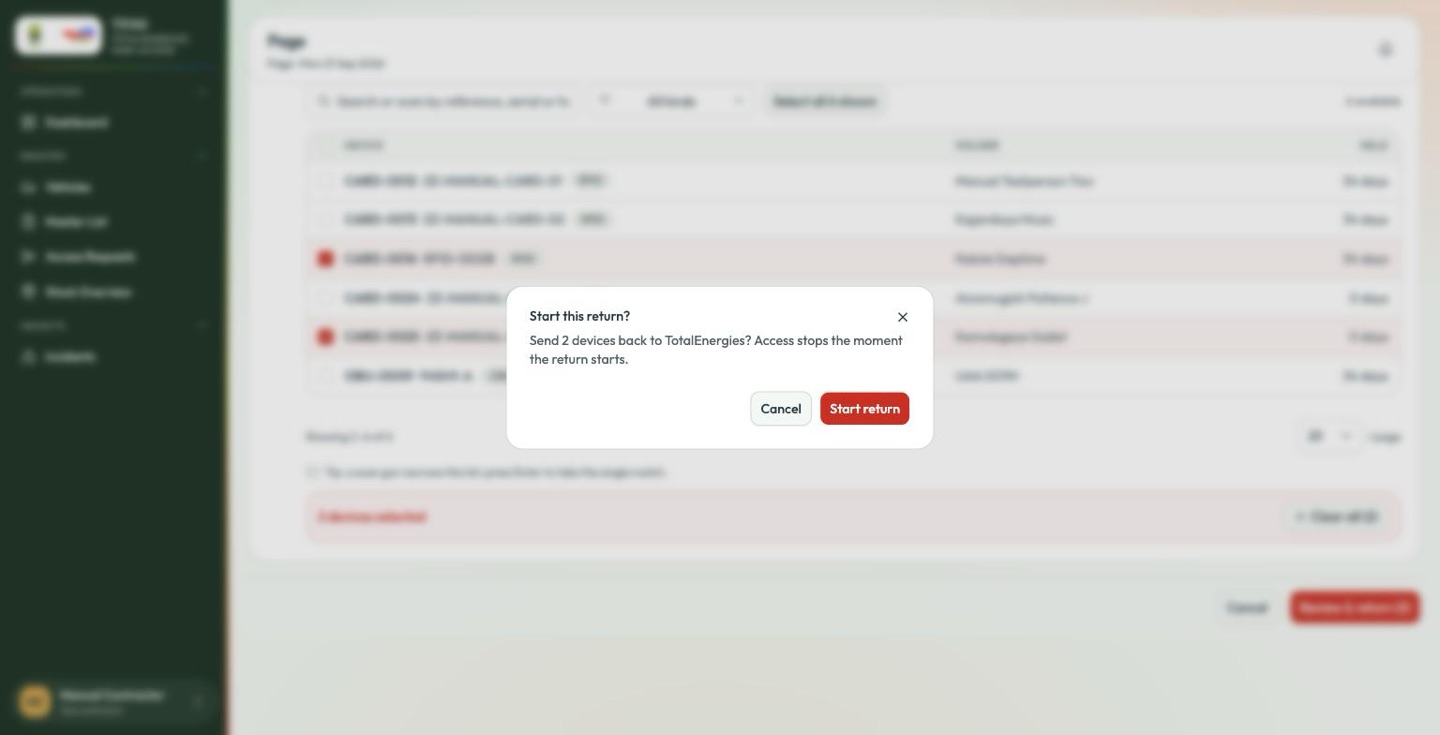
access stops the moment the return starts, not when the devices arrive. A device in transit must not open a gate. Send back only what is genuinely finished with: an expired device that is still needed should be renewed or extended instead (Expiry, renewal and extensions).
The devices move to On its way back and drop out of the contractor's working set immediately.
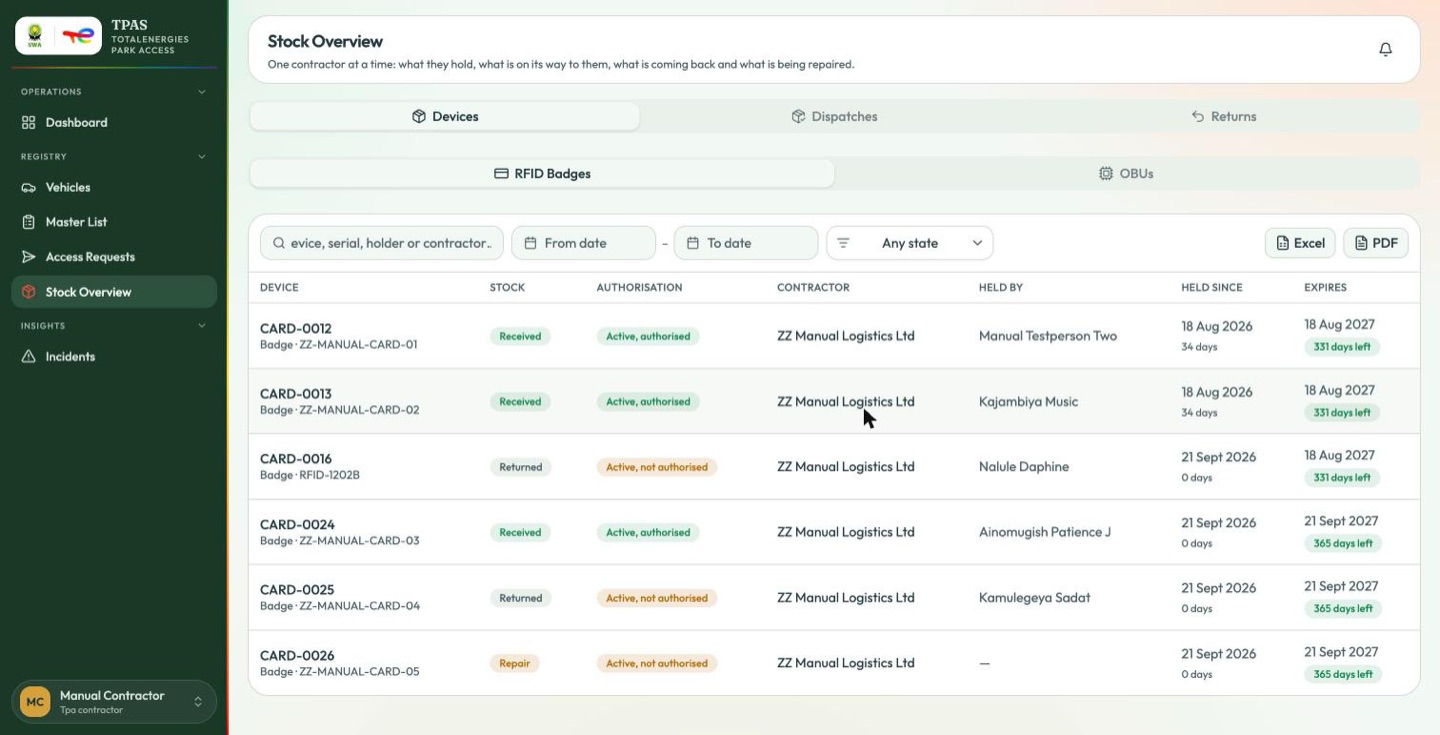
Returns nobody started
When a demobilisation request is approved and the person is still holding a badge, TPAS opens the return itself and tells the contractor the badge is due back. It appears on their Returns tab like any other, waiting to be sent.