Confirming receipt
Confirming receipt
The contractor, device-stock:receive.
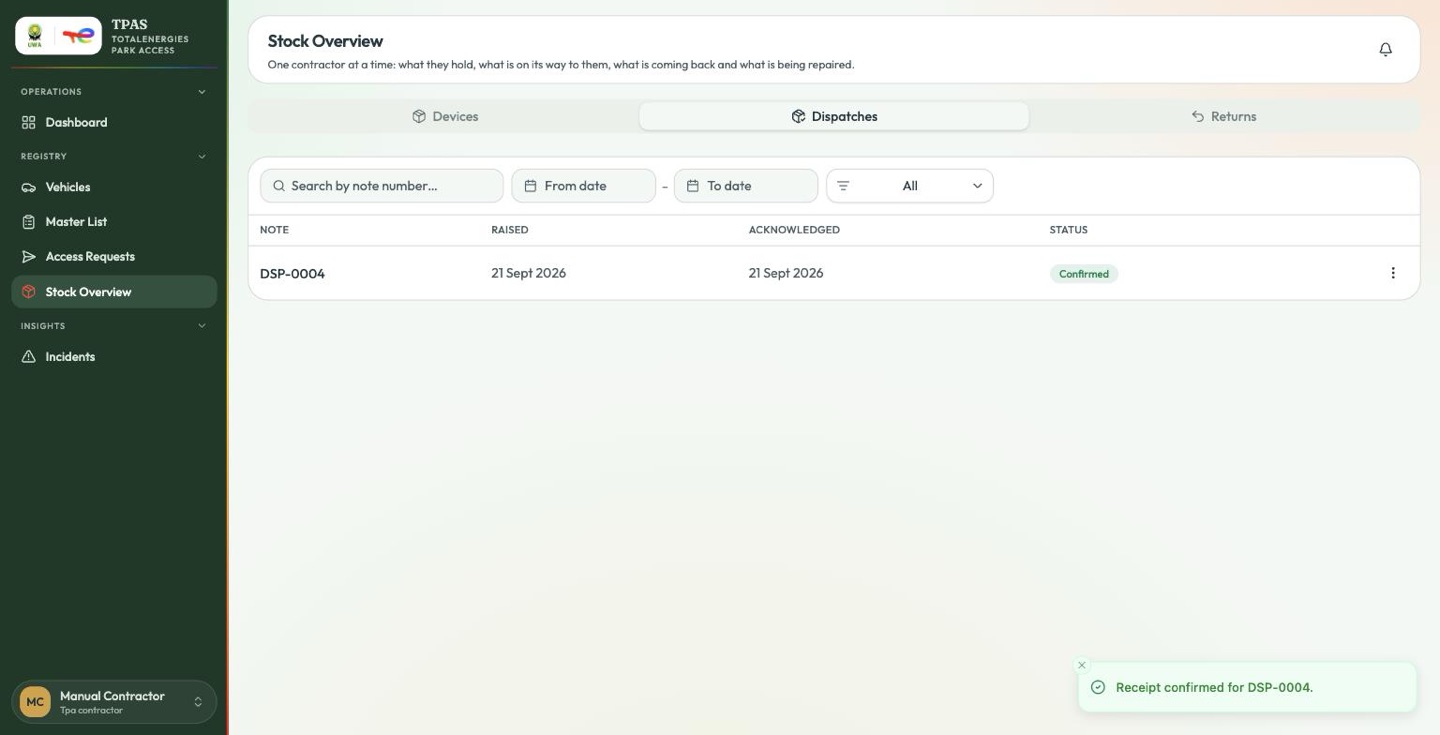
Registry → Stock Overview → Dispatches.
A note arrives as Awaiting confirmation.
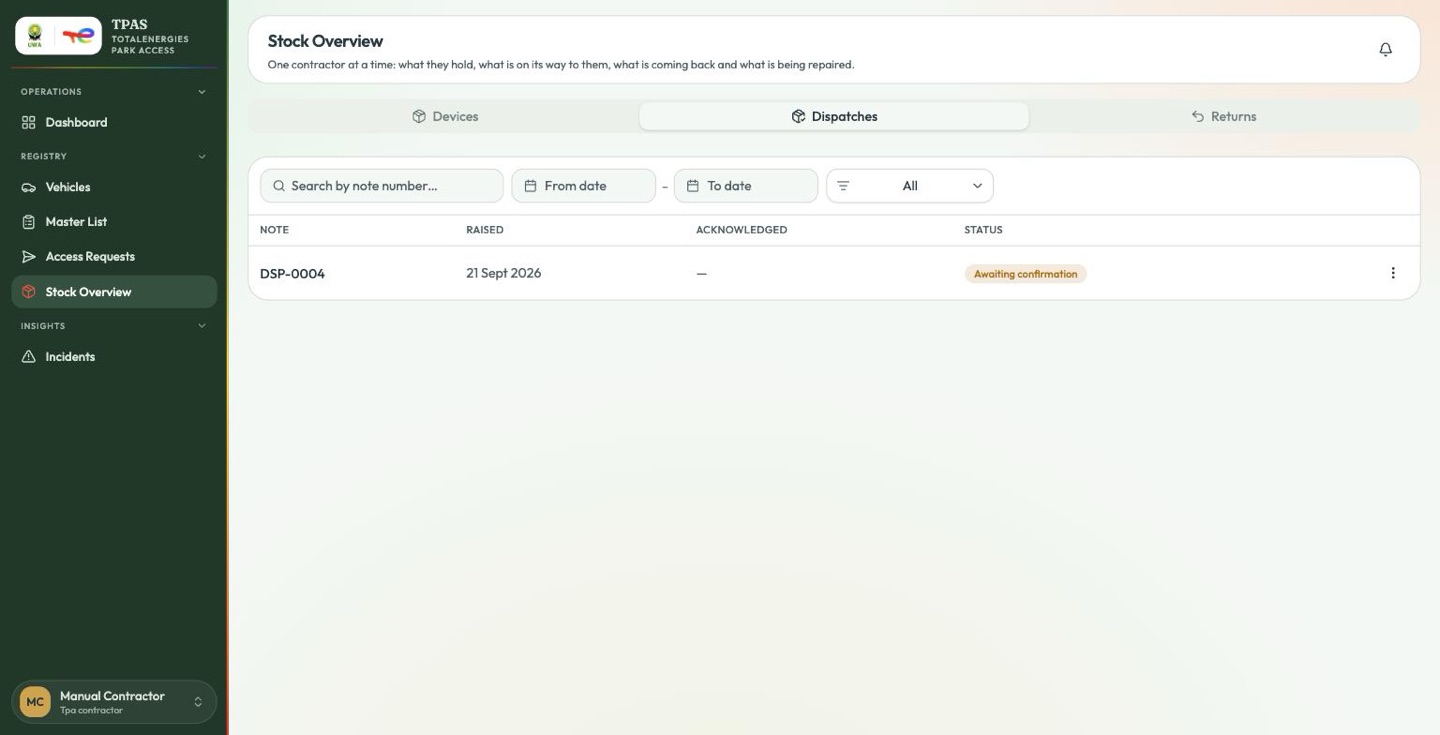
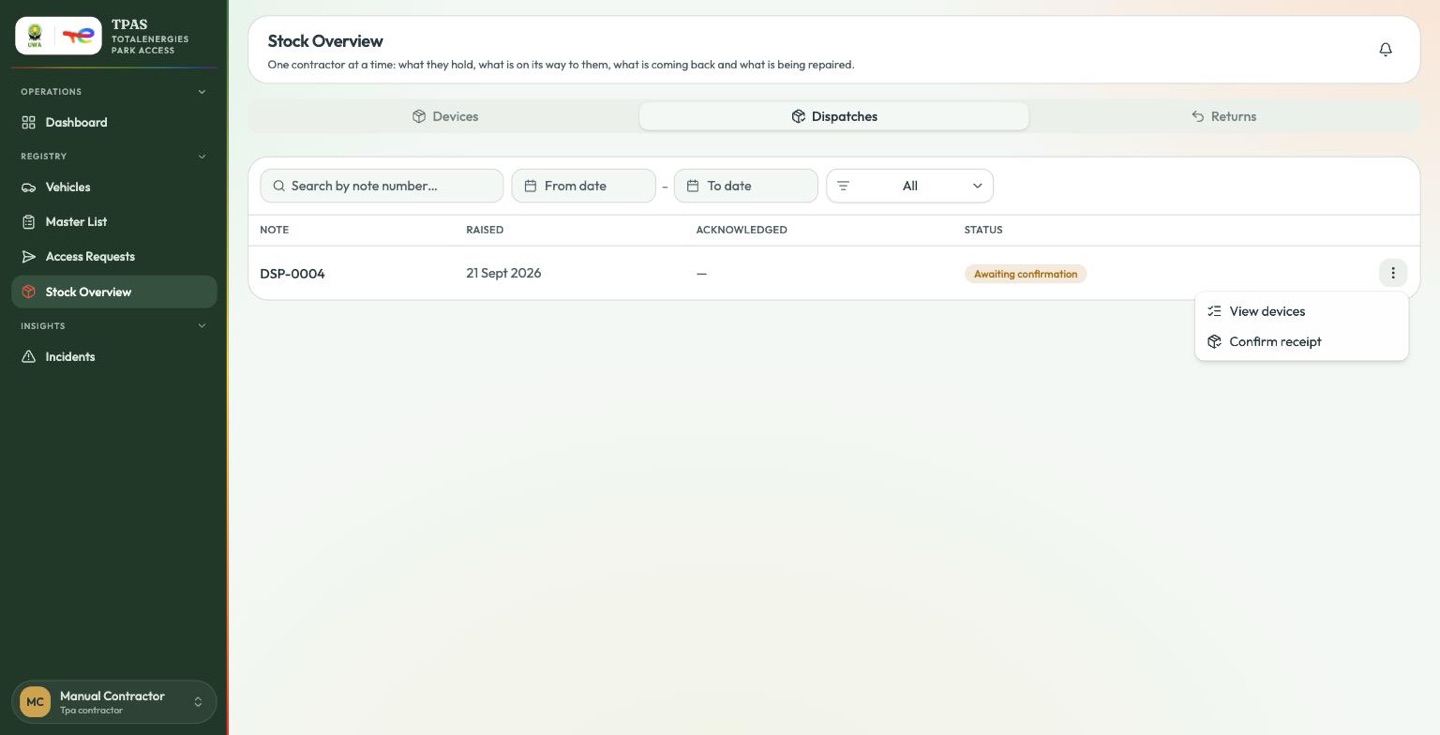
Confirm receipt lists every device on the note and asks for a decision on each one.
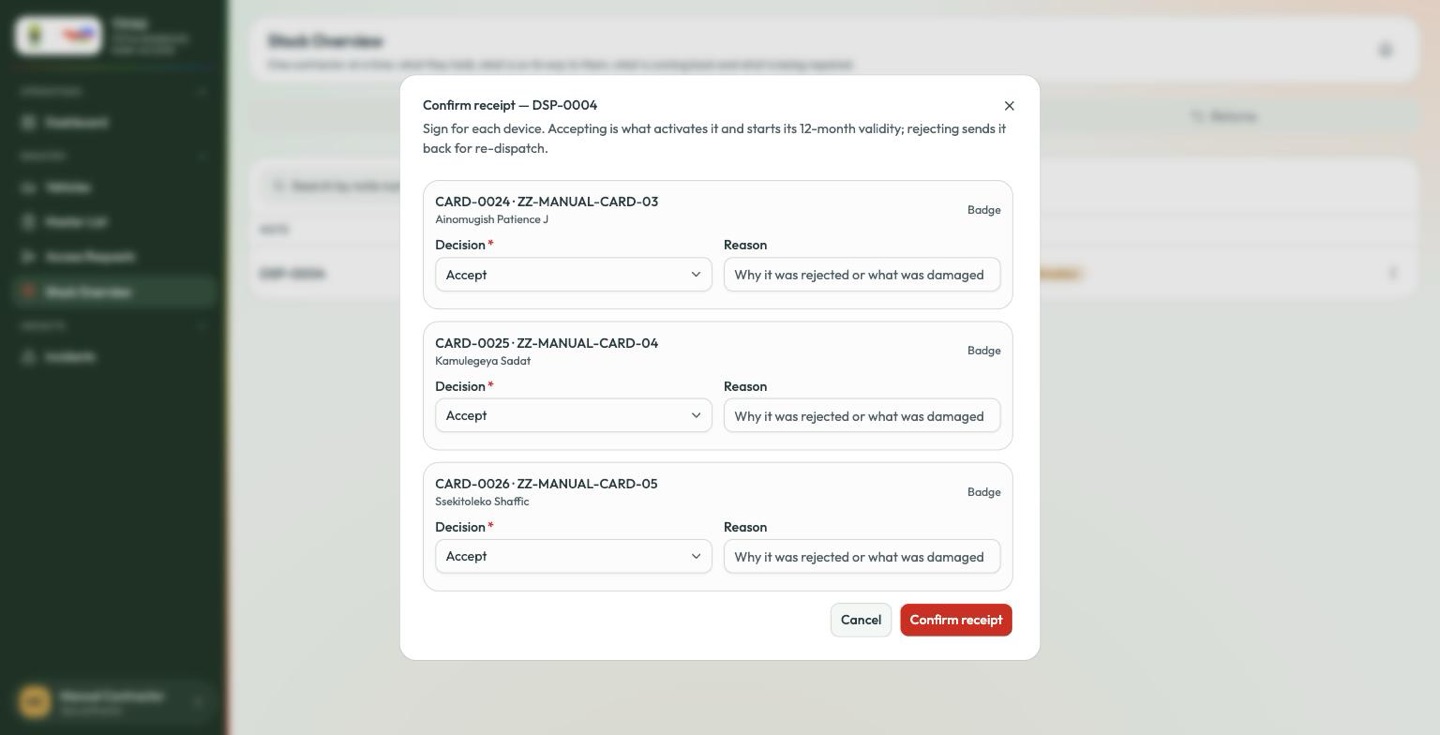
| Decision | Use it when | What happens |
|---|---|---|
| Accept | The device is in your hand and working. | It becomes With contractor and Active, authorised, valid for twelve months from today. |
| Reject | It never arrived, or it is not the device on the note. | It goes back to Issued, not yet sent, so the same one can simply be sent again. |
| Arrived damaged | It arrived broken. | It goes into quarantine and the holder is freed, so nobody waits for a device that is not coming. |
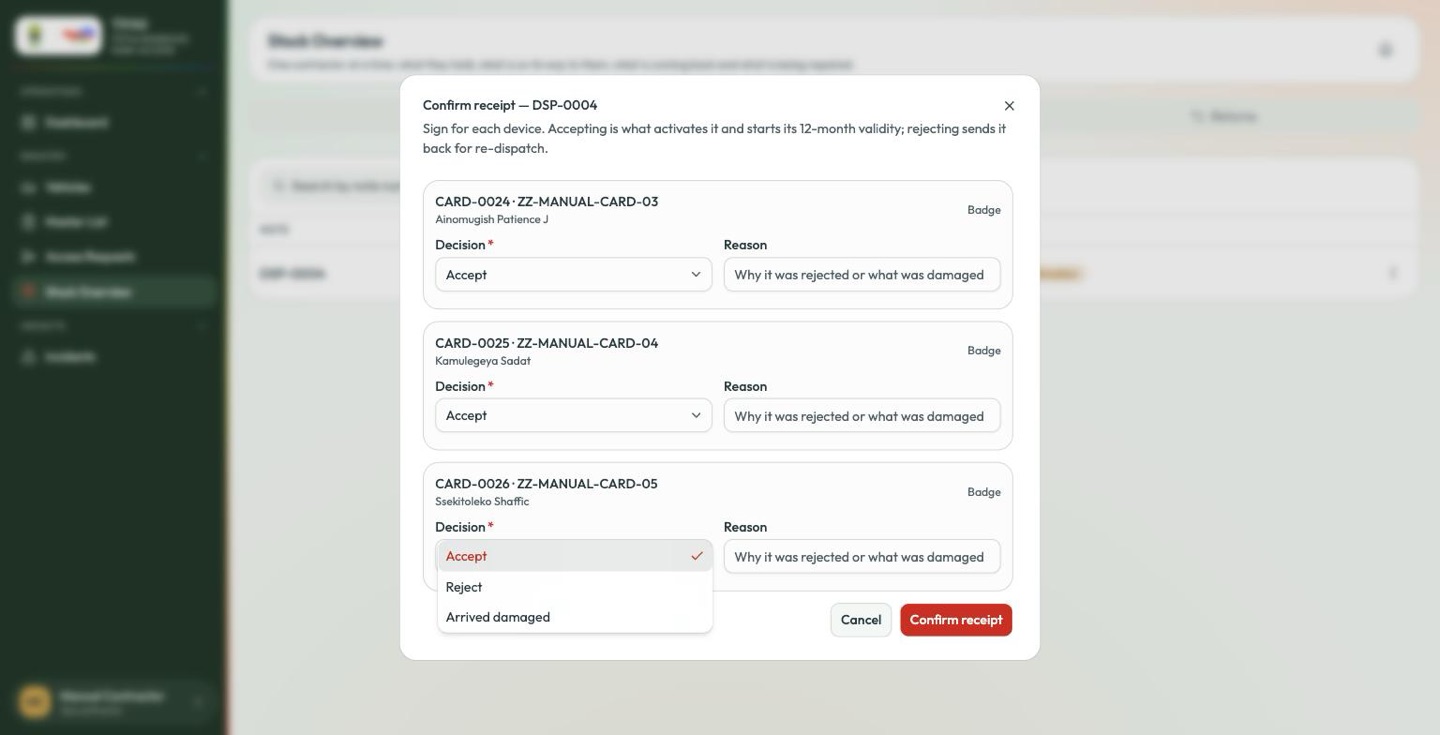
A Reason is required for every device you reject or report damaged — the dialog will not submit without one.
You can mix decisions on one note. Accepting eighteen of twenty is a normal outcome, not an error: the note becomes Partly confirmed and TotalEnergies is told about the other two.
Accepting is what starts the twelve-month clock, not dispatching. A card does not burn its year sitting in a van.
Issuing across a desk
Not every handover involves a van. When a visitor is onboarded at the gate office, the badge is handed straight across the desk — so dispatch and receipt happen in the same moment and there is no note for anybody to confirm.
TPAS does this automatically as part of visitor onboarding: the badge goes from In stock to With contractor in one step and works immediately. When it comes back, Take back at desk judges its condition on the spot — Good straight to the available pool, Damaged or Faulty into quarantine — again with no note and nothing to acknowledge later.
Take back is offered on the contractor Badges and People pages, not here: the Stock Overview roll-up is deliberately read-only.
This is why a visitor badge never appears on a dispatch note. It is not an omission; it never had one.