Signing in
A TPAS account with a gate role that an administrator has assigned to a gate (Adding a user). The app has no gate picker: it works at the gate your account is assigned to, and nowhere else.
Open TPAS RFID Reader. Every time the app starts it opens on the welcome screen.

Select Get started. The button reads Starting… while it works.
- If you signed in recently, the app carries straight on to your gate.
- Otherwise the phone's browser opens the TotalEnergies sign-in page — the same page, and the same email and password, as the portal (Getting started). Sign in there and the browser hands you back to the app.
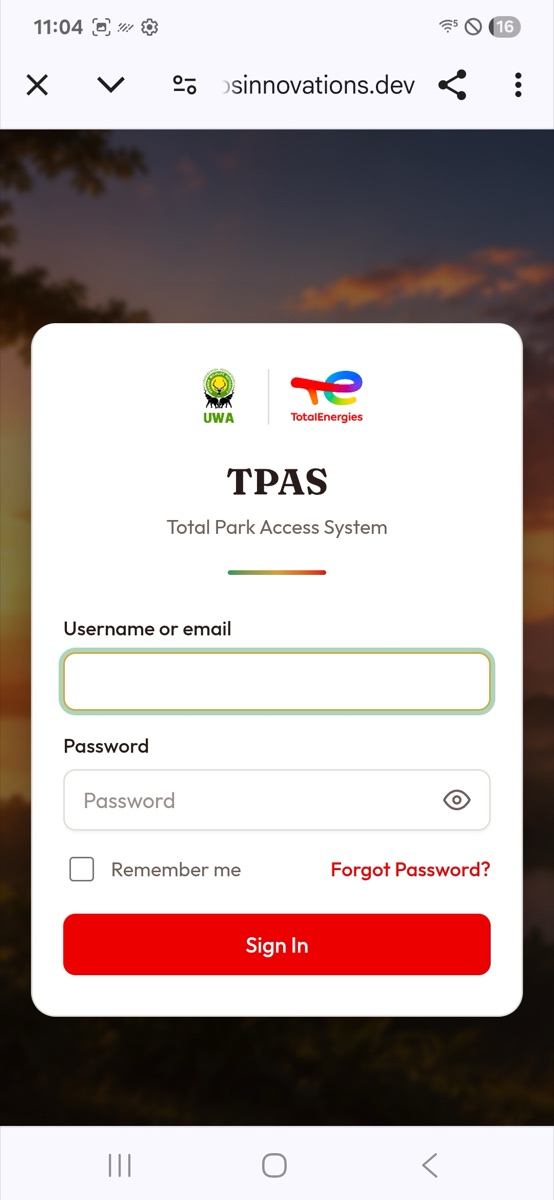
Type your Username or email and Password and select Sign In. A wrong combination is answered on the same page with Invalid username or password.; check both and try again. Forgot Password? works as it does for the portal.
The app has no password or PIN screen of its own; the browser page is the only place your password is typed.
Once you are signed in, the app asks TPAS which gate you are assigned to. If all is well you go straight to the home screen. If not, a Signed in screen tells you why:
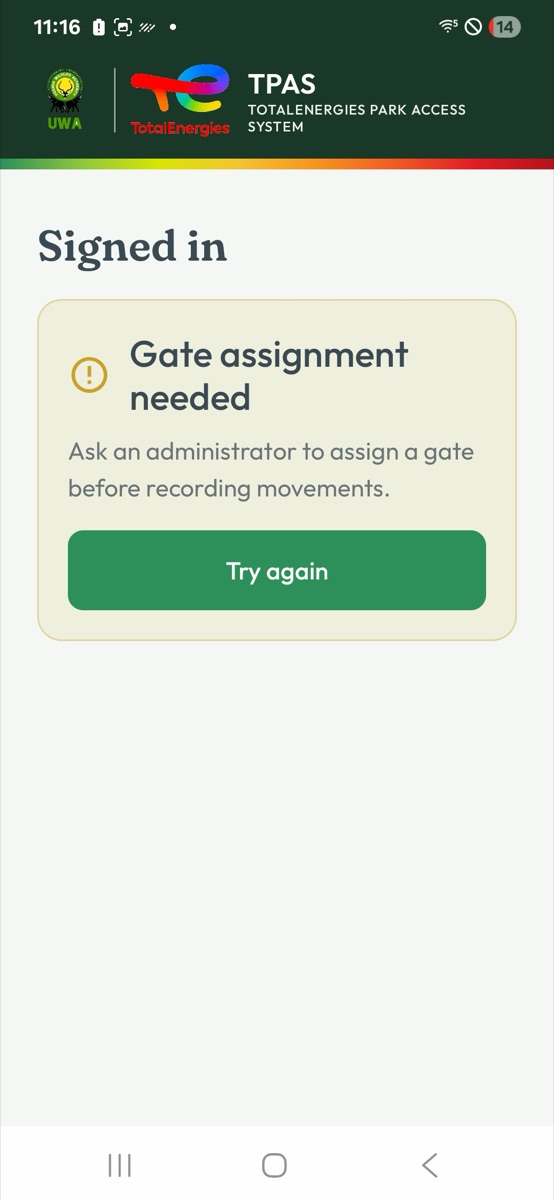
| You read | It means | What to do |
|---|---|---|
| Gate assignment needed — Ask an administrator to assign a gate before recording movements. | Your account has no gate. | Ask an administrator to set the Gate on your user (Changing a user), then select Try again. |
| Gate unavailable — This gate is inactive. Ask an administrator for assistance. | Your gate is switched off in TPAS. | An administrator must reactivate it. Try again afterwards. |
| Gate not loaded — You're signed in. Your gate details haven't loaded yet. | The app could not reach TPAS to ask. | Check the phone's signal and select Try again. |
The app has no sign-out button. Your session ends by itself when it expires, and the app then returns — without any message — to the welcome screen, where Get started signs you in again. If a phone is handed to another gatekeeper, they are working under your name until that happens. Keep the handheld with the person signed in to it.